Best frames

Frameo Digital Frame: Photos from Your Phone, on Their Shelf in Seconds

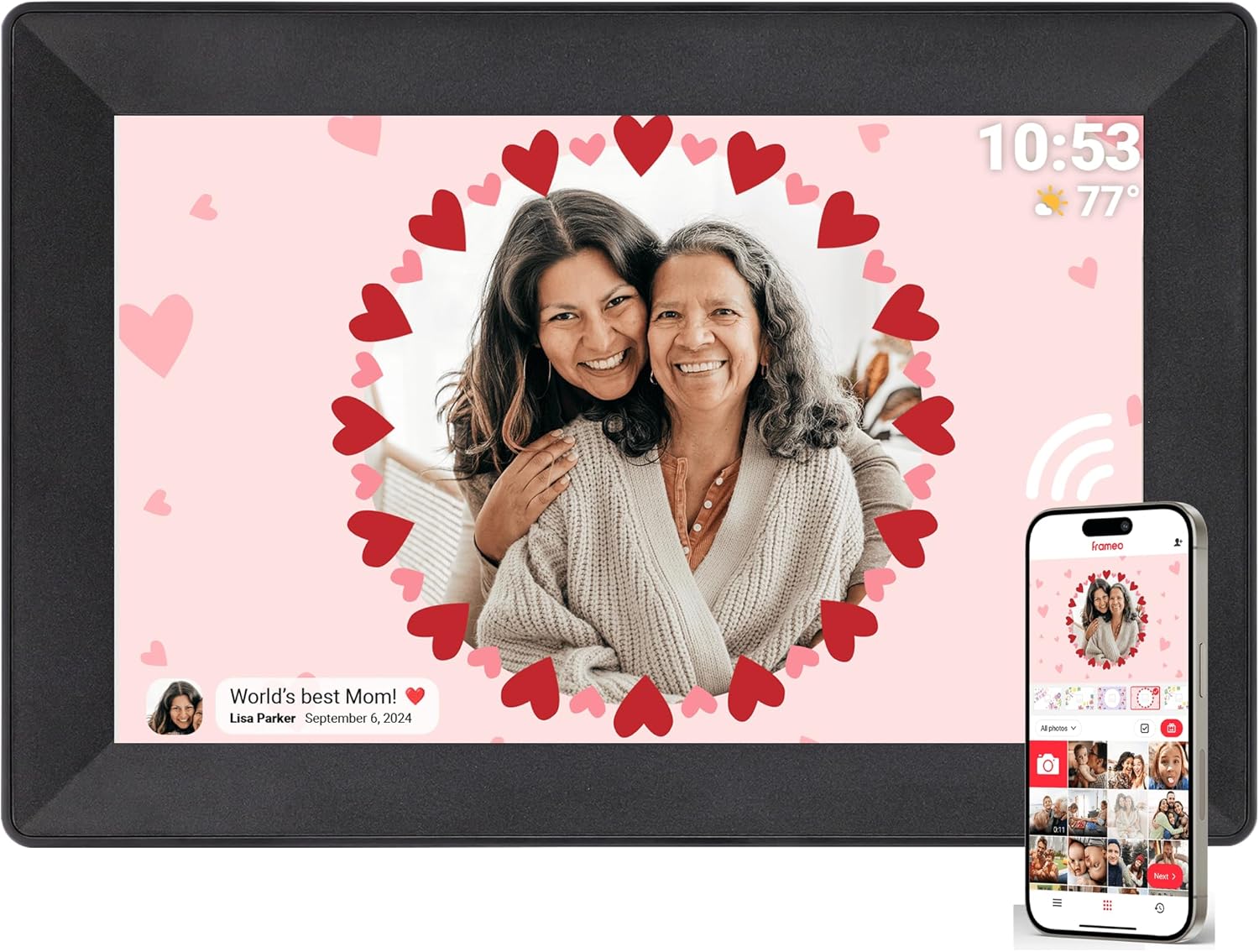
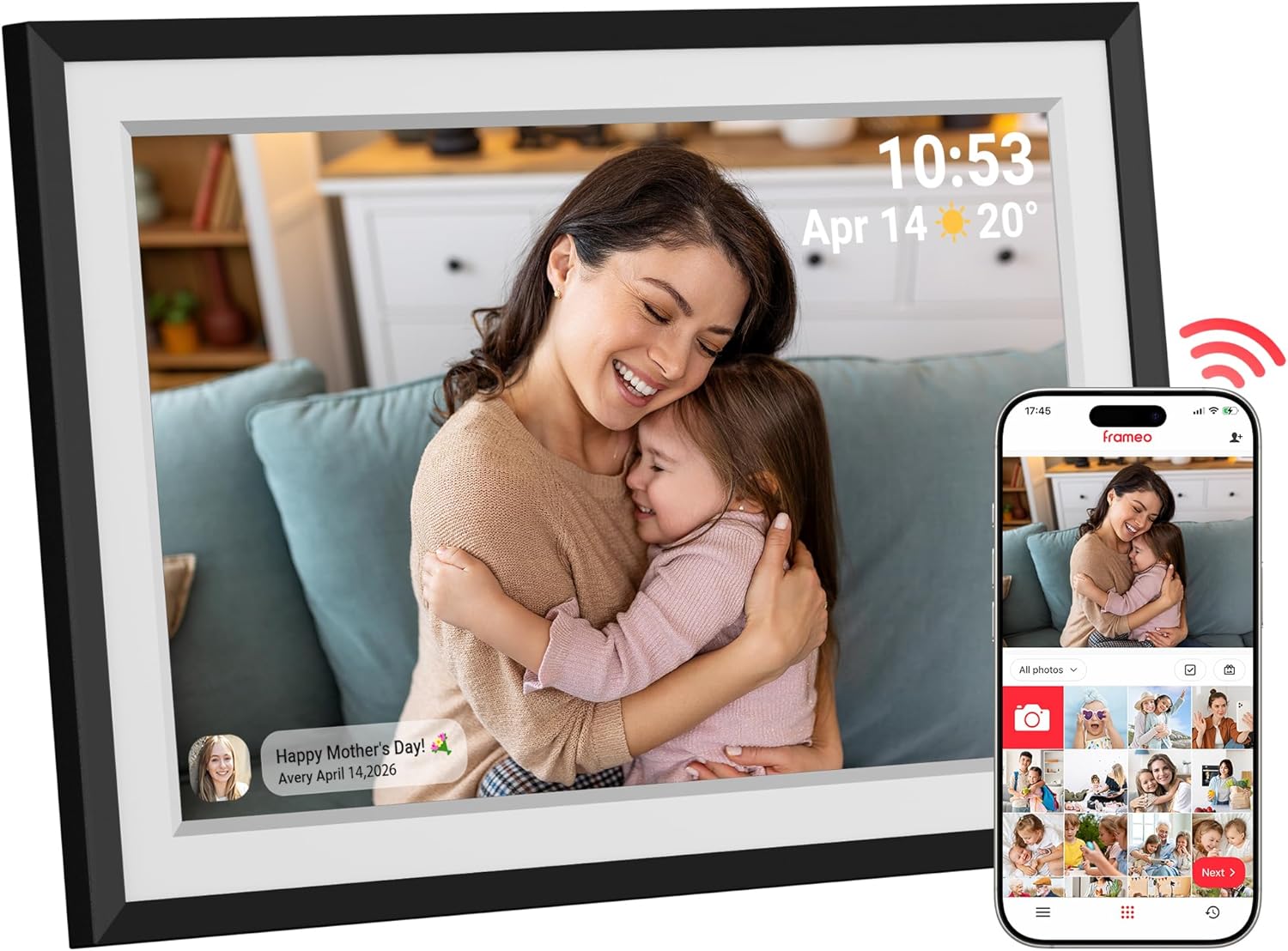
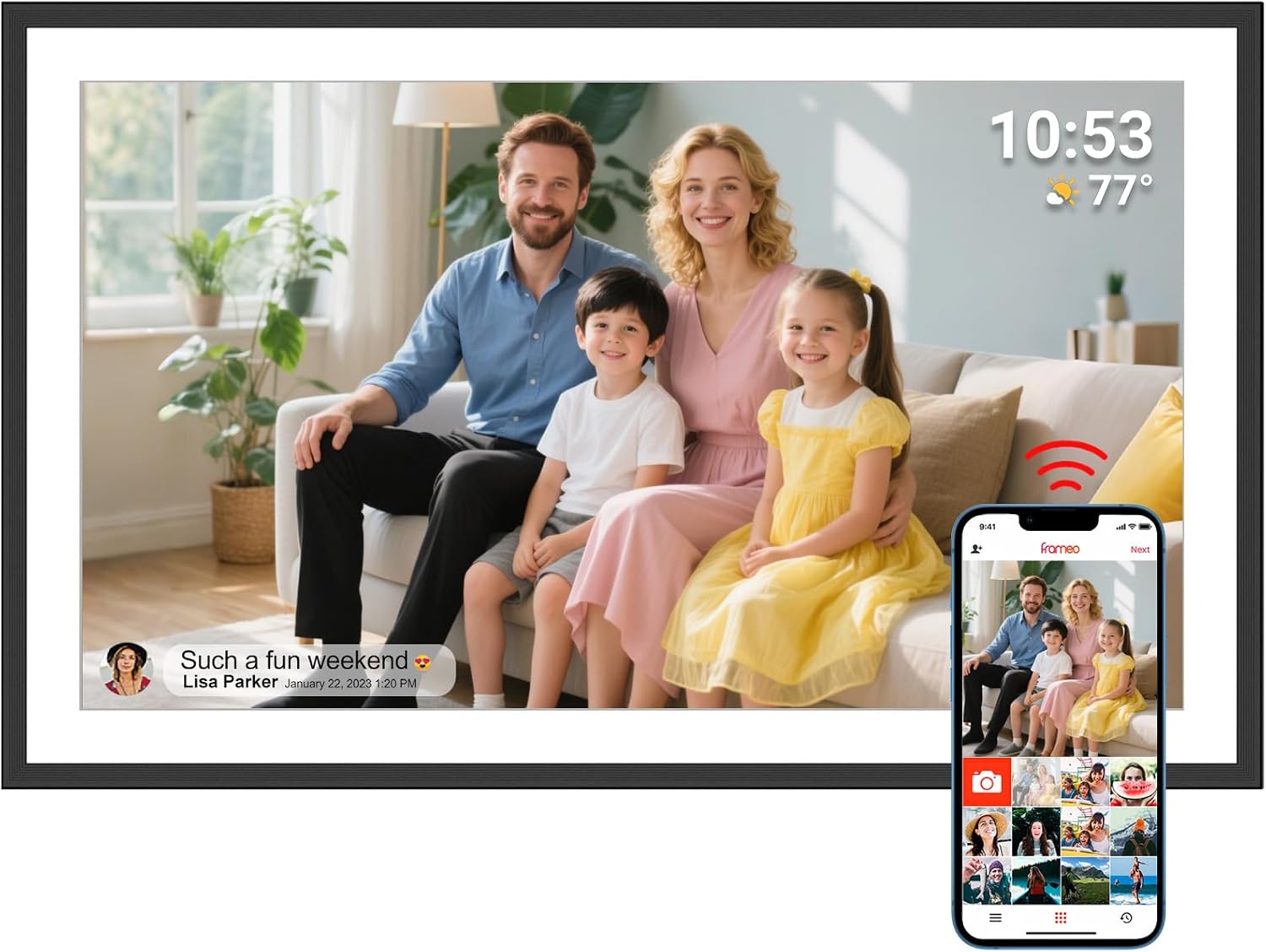
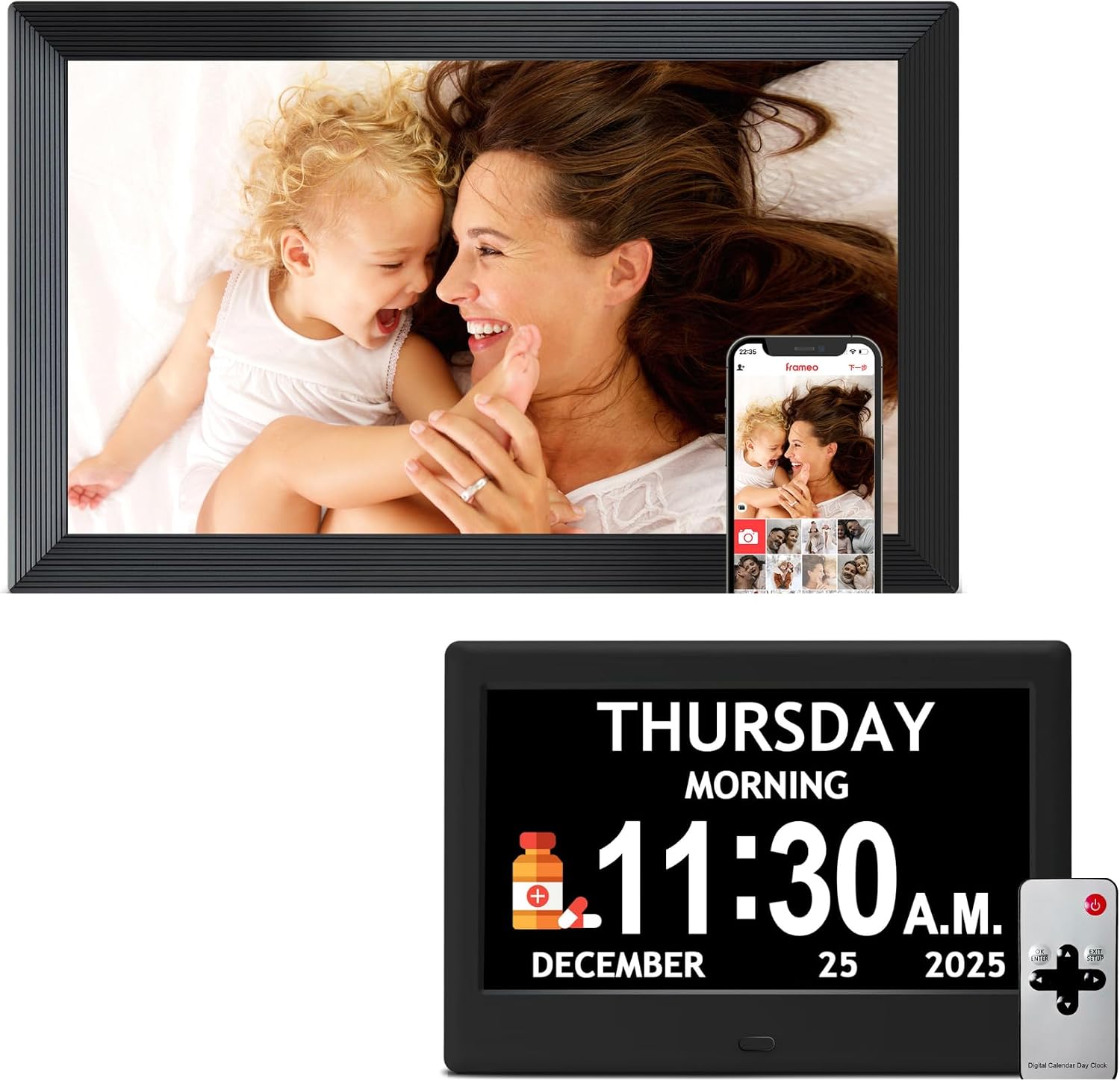
Wi-Fi photo frames running the free Frameo app, so the picture you take at the party can be on Grandma's side table a moment later. Start with the frame families choose most, the most proven 10.1-inch, or a 15.6-inch for the living room.

Ordered by what families bought last month · September 2026
60models ranked
14buying guides
Sep ’26sales data
Check the #1 pick
How the photos arrive

Send in Frameo, it lands on the frame

100% Frameo-compatible, ready the moment it joins Wi-Fi

  • Photos and short clips from any phone
  • Family joins with a one-time code
  • No monthly fee to send pictures
1 · Get the app
Frameo app iconFrameoConnected

The party photo reaches Grandma's shelf before the cake is cut

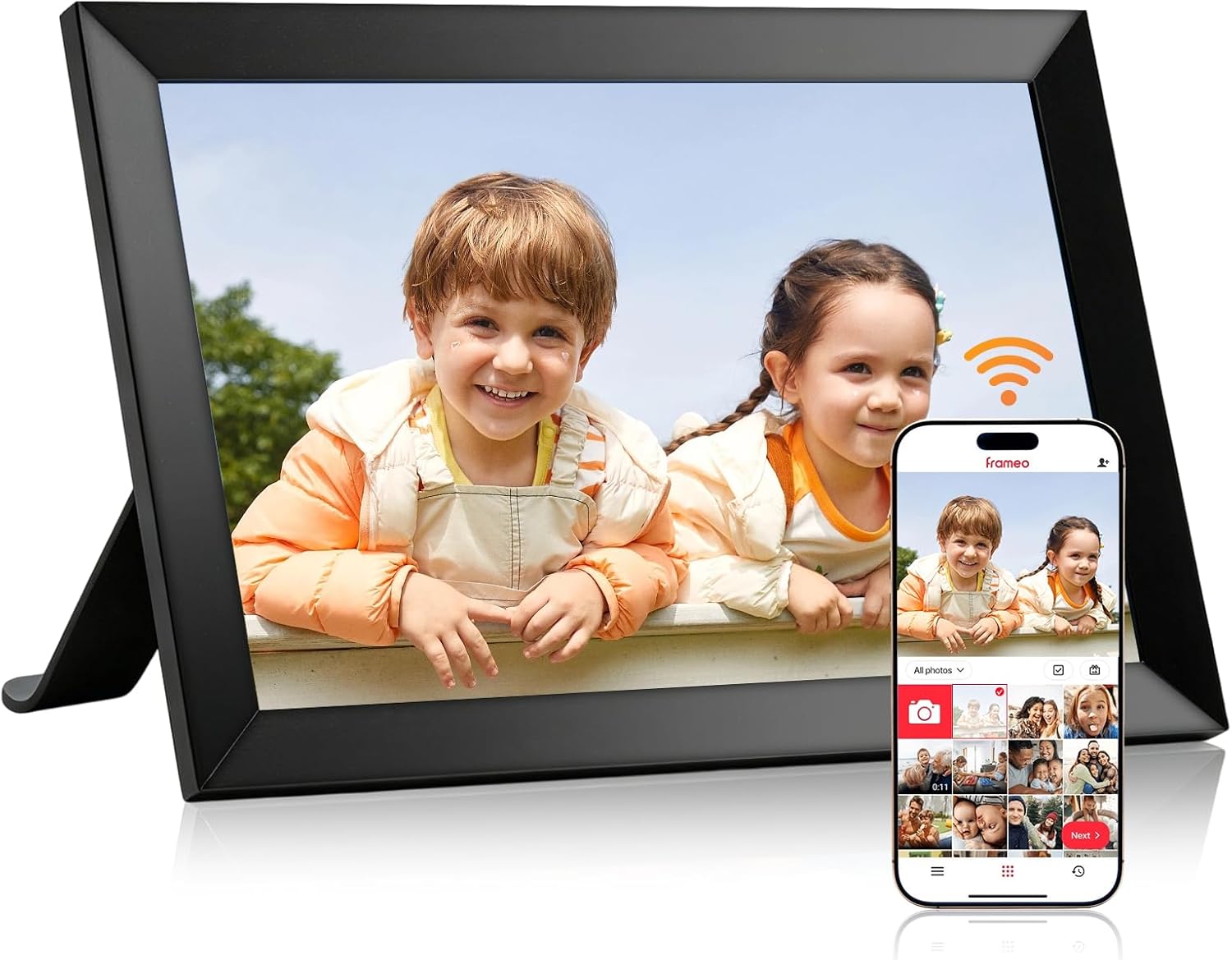
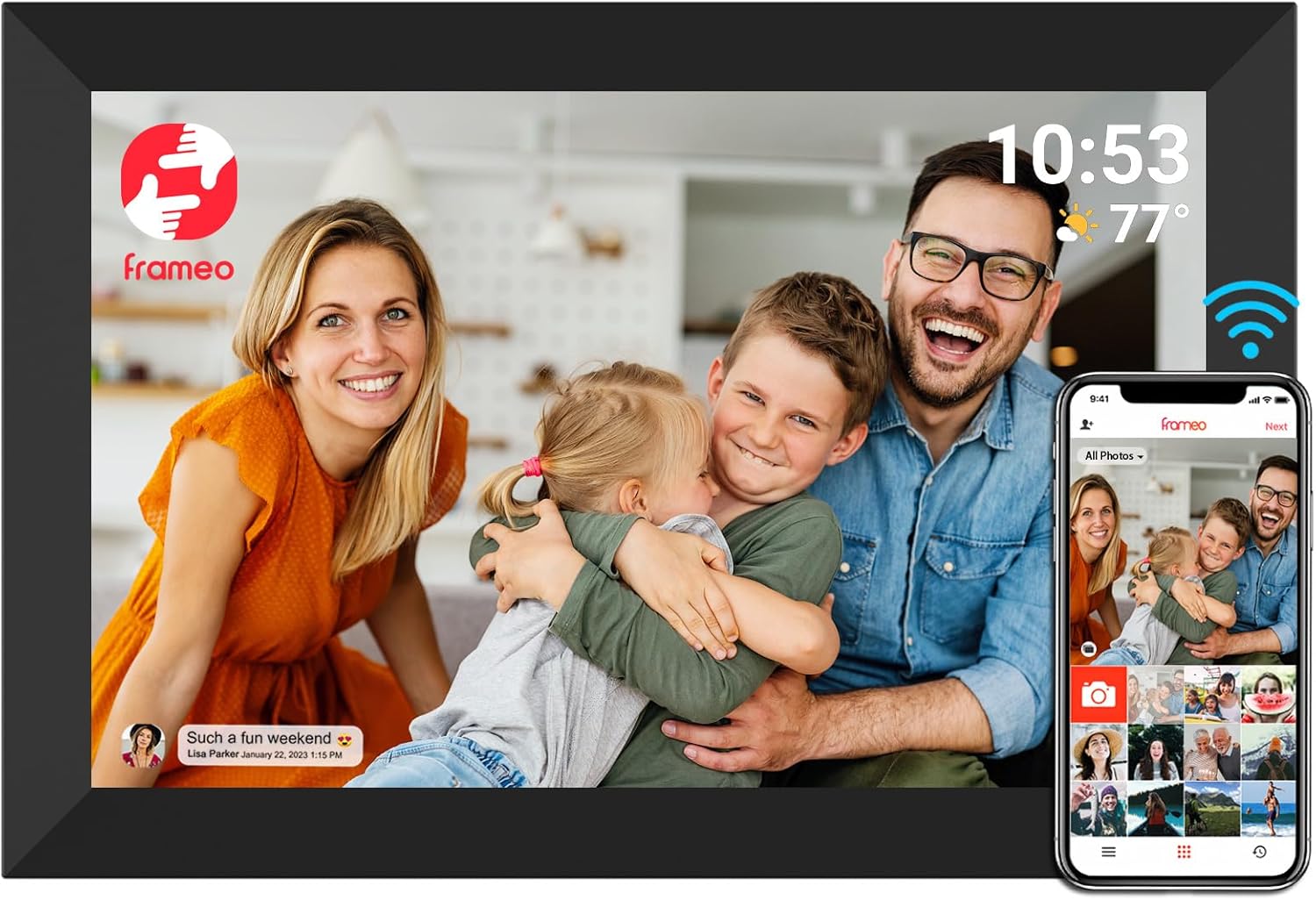
A Frameo digital picture frame is a Wi-Fi touch screen running the free Frameo app, and it turns every phone in the family into a way to put pictures on a shelf in another house. You take the photo at the party, tap send, and it appears on the frame a moment later. Nobody at the other end has to open an email, log in or learn an app.

Dozens of makers build these frames, from MaxAngel and Akimart to Pastigio, BIGASUO and Arktronic. They differ in screen size, storage and finish, yet every one runs the same Frameo software. A grandchild who already sends to one Frameo frame can send to a second from the same app without opening another account.

  • Photos and short clips from any phone: the Frameo app runs on iPhone and Android and sends pictures plus videos of up to 15 seconds.
  • Invited people only: a frame accepts photos from the friends its owner has added, so nothing arrives from strangers.
  • A touch screen for the owner: swipe back to last week's photo, pause the slideshow, hide a picture or send a heart back.
  • Pictures that stay put: photos already on the frame keep playing when the router drops out.

The free app carries no subscription. An optional paid tier called Frameo+ adds extras such as cloud backup, and a frame works fully without it. That is the main difference from frames sold with their own cloud service, set out in Frameo vs Aura.

Three frames cover most homes. The MaxAngel 10.1-inch is the one families choose most, the Akimart 10.1-inch is the most proven, and the BIGASUO 15.6-inch brings a Full HD screen and 64GB to a bigger room. For the limits as well as the strengths, see is Frameo a good digital frame.

Frame matcher

Tell us about their home, get one frame

Where will the frame live?
Is there Wi-Fi in their home?
Which look suits the room?
How big should it be?
MaxAngel 10.1-inch Frameo Frame
The frame for themMaxAngel 10.1-inch Frameo Frame

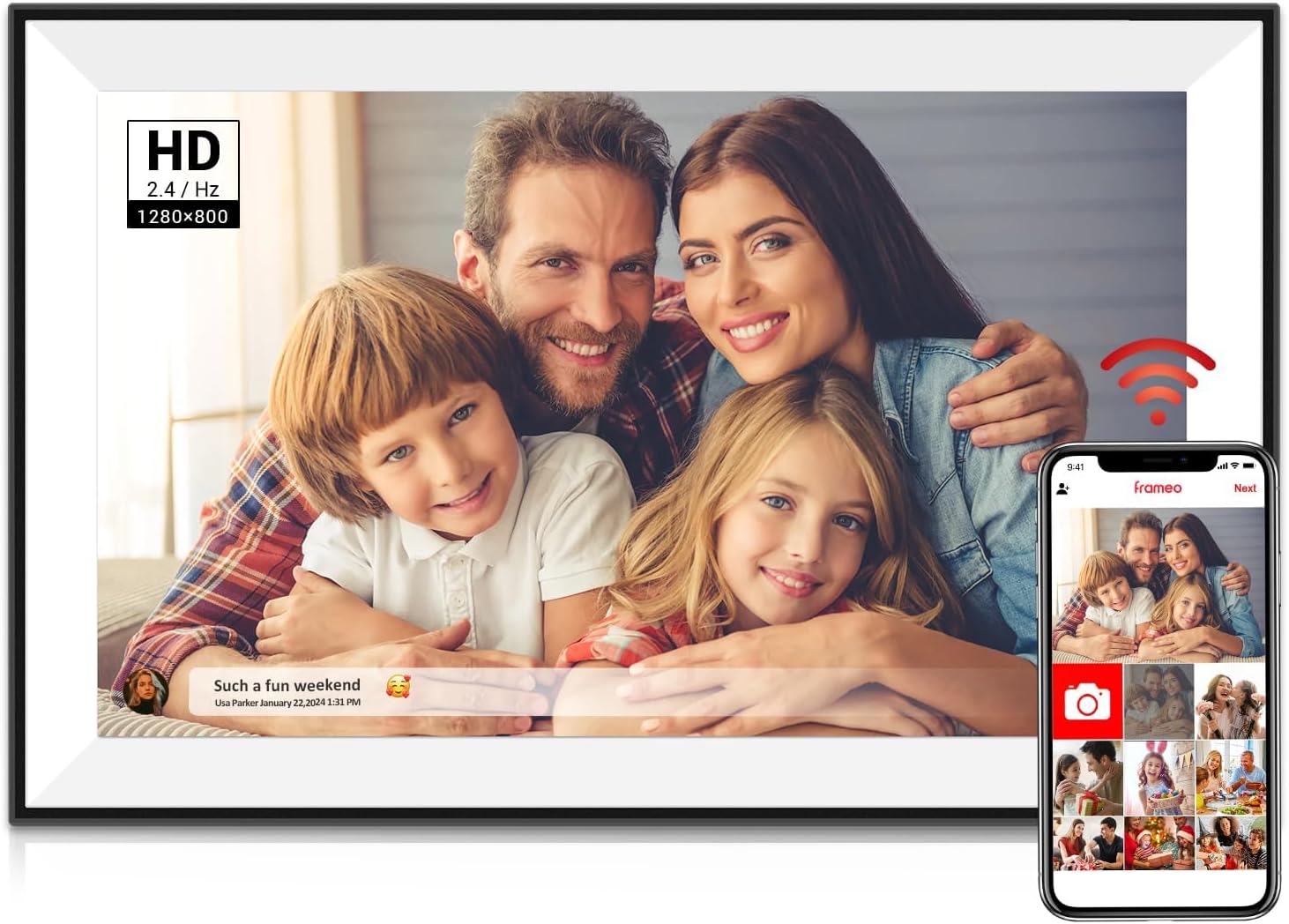
Why it suits them: The Frameo frame families buy most: a 10.1-inch touch screen, 32GB inside and auto-rotate for upright or sideways photos.

  • 10.1" touch screen · 32GB
  • Photos arrive from the Frameo app
  • 1280×800 IPS display
See this frame Everything about it →

Three questions about their home point to one frame

Three things decide the best Frameo frame for a home: where it will stand, whether the house has Wi-Fi and which finish fits the room. Those answers settle more than any spec sheet, because a frame that suits its spot gets looked at every day.

Where it will live

A side table or bookshelf suits a 10.1-inch frame, the size most families give. A nightstand calls for something smaller, and the Arktronic 8-inch is the one Frameo frame at that size. A wall above the sofa or a sideboard across the room needs 15.6 inches or more, so faces still read from the armchair.

Whether there is Wi-Fi

Every Frameo frame needs Wi-Fi to receive new photos from the app. Most join 2.4GHz networks only, while a few big frames such as the BIGASUO 21.5 and 32-inch and the Moonka 21.5-inch also join 5GHz. In a home with no internet, the Pastigio 10.1-inch takes photos from a micro SD card, a USB-C drive or a Windows computer, so a relative can refill it on each visit.

Which look fits the room

  • Classic black blends with a TV stand and most shelves.
  • White versions of the MaxAngel and FLYRUIT frames sit quietly in a bright room.
  • Wood surrounds from TIKVITO, QOCEN and Weipan look like an ordinary picture frame among books.
  • Mirror glass on the Forc 3-in-1 becomes a mirror when the screen is off.
Their homeFrame to start with
Side table, Wi-Fi, blackMaxAngel 10.1-inch
Bookshelf, warm woodTIKVITO 10.1-inch Wood
No internet at allPastigio 10.1-inch
NightstandArktronic 8-inch
Living-room wallBIGASUO 15.6 or 21.5-inch

When two answers disagree, the size of the room wins. A lovely wood frame that is too small for its wall ends up ignored, while a plain black one of the right size becomes part of the day.

Frame beside frame

Six favourite frames, screen by screen

MaxAngel 10.1-inch Frameo Frame MaxAngel 10.1-inch Frameo Frame Akimart 10.1-inch Frameo Frame Akimart 10.1-inch Frameo Frame Pastigio 10.1-inch Frameo Frame Pastigio 10.1-inch Frameo Frame BIGASUO 15.6-inch Frameo Frame BIGASUO 15.6-inch Frameo Frame Pastigio 15.6-inch Frameo Frame Pastigio 15.6-inch Frameo Frame BIGASUO 10.1-inch Frameo Frame BIGASUO 10.1-inch Frameo Frame
Screen10.1"10.1"10.1"15.6"15.6"10.1"
Resolution1280×8001280×8001280×8001920×10801920×10801280×800
Storage32GB32GB32GB64GB32GB32GB
Wi-FiWi-FiWi-FiWi-FiWi-FiWi-FiWi-Fi
Auto-rotateYesYes—YesYesYes
See this frame See this frame See this frame See this frame See this frame See this frame
Frame details

Frame by frame, every detail

MaxAngel 10.1-inch Frameo Frame
Model
M-102K (Classic Black)
Screen
10.1-inch IPS touch screen
Resolution
1280x800
Aspect ratio
16:10
Built-in storage
32GB
Card slot (Classic Black)
microSD, up to 32GB, FAT32
Card slot (other finishes)
SD card and USB flash drive, up to 32GB, FAT32
Photo app
Frameo for iOS and Android
Connection
Wi-Fi
Video from the app
Clips up to 15 seconds
Longer video
From a memory card
Orientation
Auto-rotate, upright or sideways
Everything about it →See this frame
Akimart 10.1-inch Frameo Frame
Model
ZN-DP1002
Screen
10.1-inch IPS LCD touch screen
Resolution
1280x800
Built-in storage
32GB
Memory card
microSD, import and export
Photo formats
JPG, JPEG, BMP, PNG
Video
MP4; clips up to 15 seconds from the app
Photo app
Frameo for iOS and Android
Connection
Wi-Fi
Orientation
Auto-rotate, upright or sideways
Stand
Detachable holder
Calendar sync
iCloud, Google, Outlook, Yahoo
Everything about it →See this frame
BIGASUO 15.6-inch Frameo Frame
Model
159K
Screen
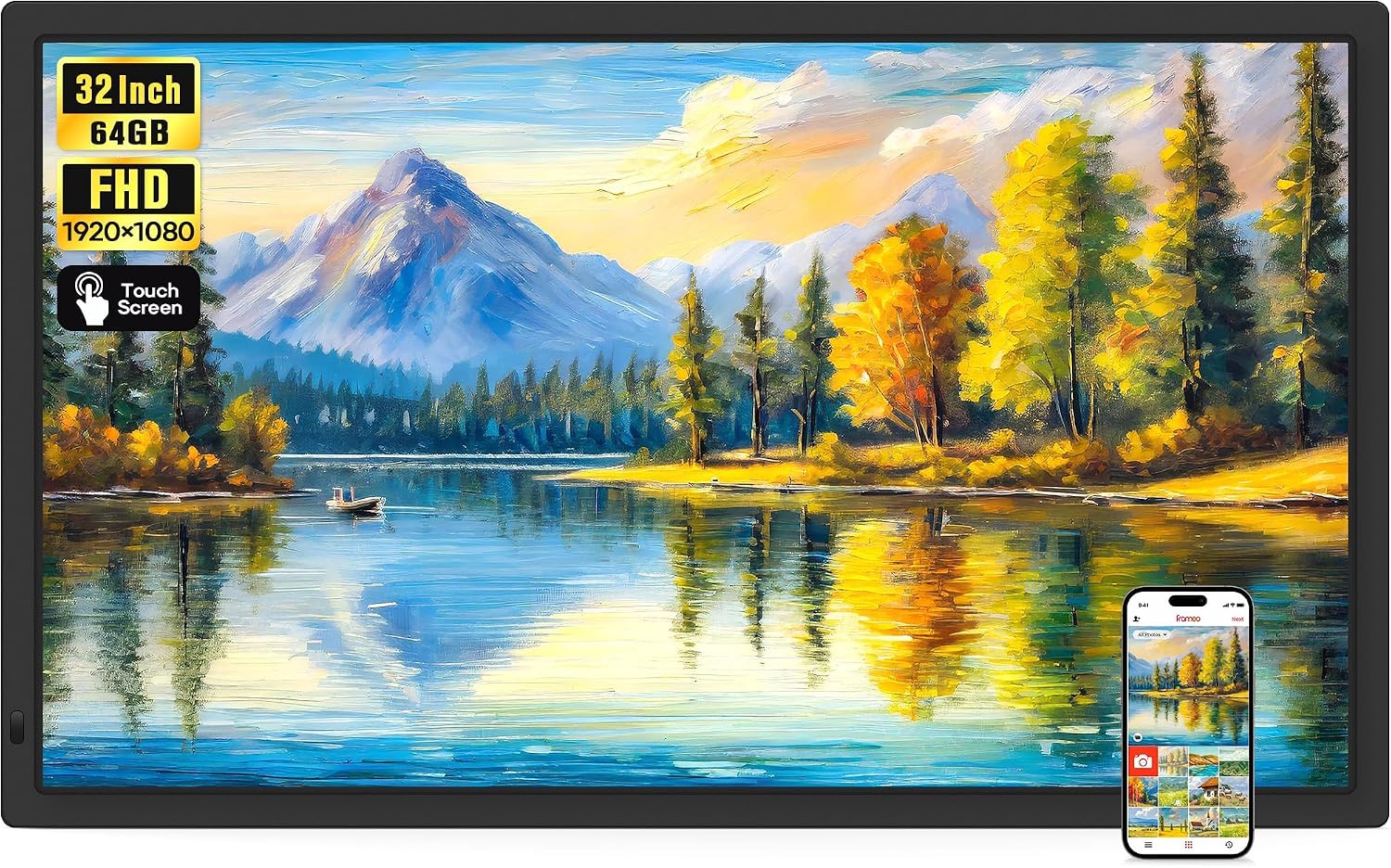
15.6-inch IPS Full HD touch screen
Resolution
1920x1080
Aspect ratio
16:9
Viewing angle
178°
Built-in storage
64GB
Memory card
SD card, FAT32, 32GB recommended
USB port
USB flash drives only, FAT32
Computer transfer
Not supported
Wi-Fi
2.4GHz only
Photo app
Frameo for iOS and Android
Photo formats
JPG, JPEG, BMP, PNG
Everything about it →See this frame

1280x800 or Full HD, 16GB or 64GB: the figures on a Frameo frame

Frameo frames share one app, so the real differences sit in a handful of hardware figures. Four of them matter to the person looking at the screen each morning, and none needs a technical background to judge.

  • Screen resolution. The 8 and 10.1-inch frames use 1280x800 panels, and the 15.6, 21.5 and 32-inch frames use 1920x1080 Full HD. The OTJ 10.1-inch is the exception, with a 1920x1200 panel at the smaller size.
  • Storage. 16GB, 32GB or 64GB inside. Makers quote tens of thousands of photos for 32GB, because the app sends pictures sized for the frame's screen rather than full camera files.
  • Wi-Fi band. Most frames join 2.4GHz networks only; several 15.6, 21.5 and 32-inch frames are dual-band.
  • Auto-rotate. Turn the frame on its stand and upright photos fill the screen upright, while wide shots use the full width.
SizeResolutionStorageWi-Fi
8-inch1280x80016GB2.4GHz
10.1-inch1280x800 (OTJ: 1920x1200)16GB or 32GB2.4GHz
15.6-inch1920x108032GB or 64GB2.4GHz, some dual-band
21.5-inch1920x108032GB or 64GBDual-band
32-inch1920x108064GBDual-band on the BIGASUO

Two more details decide how videos behave. Clips sent through the app stop at 15 seconds, while a micro SD card or USB drive can carry longer ones. The BIGASUO 15.6-inch and the 32-inch frames from BIGASUO and MaxAngel play them with sound through a built-in speaker.

Card size matters. Several makers ask for micro SD cards or USB drives of 32GB or smaller, formatted FAT32, and bigger cards may not be read. The micro SD card guide for Frameo frames covers formats, capacity and moving an album to a new frame.

Everything else is shared. Frameo frames show JPG, PNG and BMP photos and MP4 videos, keeps a clock and weather line on screen if wanted, and takes the same app updates from Frameo whichever maker built it.

Screen size and storage move the price more than anything else; Frameo frame prices by size explains what each step up buys.

For every home

A frame for every room in their house

Pastigio 10.1-inch Frameo Frame
Best for a home without Wi-Fi Pastigio 10.1-inch Frameo Frame

Photos go on through the Frameo app, a micro SD card, a USB-C drive or a Windows computer, so a frame in a house with no internet still fills up. The 1280x800 touch screen sits in an embossed black frame.

See this frame
BIGASUO 21.5-inch Frameo Frame
Best for the living-room wall BIGASUO 21.5-inch Frameo Frame

A 21.5-inch Full HD touch screen with 64GB inside and dual-band Wi-Fi that joins 2.4GHz or 5GHz networks. Big enough to enjoy from across the living room.

See this frame
Arktronic 8-inch Frameo Frame
Best for a bedside table Arktronic 8-inch Frameo Frame

The smallest Frameo frame: an 8-inch 1280x800 screen with 16GB inside and room for a micro SD card up to 64GB. It fits a nightstand and can show the calendar beside the photos.

See this frame

A frame for the nightstand, the kitchen and a house with no router

The 10.1-inch favourites suit most sitting rooms, yet some homes need something shaped differently. Four frames stand apart because each one solves a single situation well.

The bedside table

The Arktronic 8-inch is the smallest Frameo frame, with a 1280x800 screen, 16GB inside and a micro SD slot that reads up to 64GB. A sleep schedule turns the screen off at night, and it can show a synced calendar beside the photos.

The kitchen or hallway

The Forc 3-in-1 combines a 10.1-inch Frameo frame, a calendar that syncs with Google, iCloud, Outlook or Yahoo, and a mirror finish. Birthdays, school runs and appointments sit next to the latest photos where everyone passes.

A home without Wi-Fi

Grandparents without broadband can still enjoy a Frameo picture frame. The Pastigio 10.1-inch reads photos from a micro SD card, a USB-C drive or a Windows computer over USB-C, and a visiting relative can top it up in minutes.

The big wall

The BIGASUO 21.5-inch has a Full HD screen, 64GB and dual-band Wi-Fi, and it reads clearly from across a living room. For a family room with wall space to spare, the BIGASUO 32-inch is the size of a small TV.

  • Choose the 8-inch for someone who spends long hours in one room.
  • Choose the Forc when the frame should also keep the family diary.
  • Choose the Pastigio when the house has no router at all.
  • Choose 21.5 or 32 inches when the frame hangs on a wall across the room.

Finish options run wider than these four. The ThankVip frame hides a 10.1-inch screen behind a round mirror, and AMABOO makes a slim acrylic 15.6-inch that looks more like a print than a gadget. For a room already full of wooden picture frames, the BIGASUO 10.1-inch also comes in white wood grain and solid brown wood versions, so the new frame matches the old ones on the mantelpiece.

Sizes on offer

Frameo sizes, 8 to 32 inches

Frameo frame families counted by screen size, September 2026.

Most families give 10.1 inches; the living room wants 15.6 or more

Frameo frames come in five sizes, and the spread is lopsided. The 10.1-inch and 15.6-inch frames make up most of them, 21.5 and 32-inch screens form a small group, and the 8-inch stands alone.

Screen size is measured on the diagonal, which hides how fast the picture grows. A 15.6-inch frame has more than twice the picture area of a 10.1-inch, and a 21.5-inch has over four times as much. That is why a 15.6-inch frame reads well from a sofa while a 10.1-inch rewards someone sitting right beside it.

SizeResolutionPixels per inchPicture area vs 10.1-inchSuits
8-inch1280x800about 189about 0.6xNightstand, desk
10.1-inch1280x800about 1491xSide table, bookshelf
15.6-inch1920x1080about 141about 2.3xSideboard, small wall
21.5-inch1920x1080about 102about 4.3xLiving-room wall
32-inch1920x1080about 69about 9.5xLarge wall, hallway

Pixel density explains why the biggest frames are meant for distance. A 32-inch frame spreads the same Full HD picture over a far larger surface, so it looks its best from a few steps away, much like a television. Up close, the pixels start to show.

The small end has its own logic. An 8-inch frame packs the most detail per inch of any Frameo size, which suits a bedside table where the screen sits within reach, and it leaves room for a lamp and a water glass.

  • Arm's length: 8 or 10.1 inches.
  • Across a small room: 15.6 inches.
  • From the sofa to the far wall: 21.5 or 32 inches.

The outer size matters on a crowded shelf too. The Akimart 10.1-inch measures about 9 by 7 inches, and the BIGASUO 15.6-inch about 15.4 by 9.6 inches. Every size, with real dimensions, sits side by side in Frameo frame sizes compared, and the whole 10.1-inch family has its own round-up in the 10.1-inch Frameo frames.

Every Frameo frame

Every Frameo frame, by size

60 Frameo frames from dozens of makers, all running the same free app. Open any one for its screen, storage and what comes in the box.

10.1-inch frames 28
15.6-inch frames 24
21.5-inch frames 5
32-inch frames 2
8-inch frames 1

Friend codes, heart reactions and the family album on one screen

Every Frameo frame runs the same software, so daily life with one looks alike whichever maker built it. The owner adds family members from the frame, and each of them then sends from their own phone.

  1. On the frame, the owner taps to add a friend, and the screen shows a short code and a QR code.
  2. The family member opens the free Frameo app, adds a frame and types the code or scans the QR code.
  3. From then on, photos picked in the app arrive on the frame, up to 10 at a time, along with clips of up to 15 seconds.

The person at the frame is far from a passive viewer. A tap sends a reaction back, a heart or a laugh, so the sender knows the photo landed. Captions travel with the picture, and many frames can show themed greetings for birthdays and holidays.

The Frameo digital photo frame features the owner reaches for most sit a tap or two from the slideshow:

  • Albums sort photos by event or person on the frame itself.
  • Collage mode shows two to six photos at once.
  • Hide keeps a picture out of the slideshow without deleting it.
  • Clock, weather and calendar sit alongside the photos on many models.
  • Sleep hours switch the screen off overnight and back on in the morning.

Privacy is built into the pairing. Only people added with a code can send, and the owner can remove anyone from the frame's friend list at any time. Photos go to the frame rather than onto a public feed.

One phone can also look after several frames. A daughter with the app paired to both grandmothers' frames picks a photo once and sends it to each of them together, and every grandchild with the app can do the same from their own phone.

Removing a picture takes a few taps, shown step by step in deleting pictures from a Frameo frame. Inviting a whole family, or sending from a computer, is covered in adding photos to a Frameo frame, and the free app and Frameo+ are compared in what a Frameo frame is.

Help for families

Setup, sharing and small fixes

Set up Grandad's frame the evening before his birthday

A Frameo frame handed over ready to go gets used from the first minute. Half an hour of setup before the gift is wrapped spares a grandparent the Wi-Fi screen and the settings menus.

  1. Plug it in and pick the language. Frameo frames run from their mains adapter and have no battery.
  2. Join Wi-Fi. A 2.4GHz network is the safe choice, and the frame may download an update on first start.
  3. Enter the owner's name and the frame's location, such as Grandad and Living room, so senders see where their photos go.
  4. Preload photos by pairing your own phone, or copy a batch from a micro SD card.
  5. Set sleep hours that match their day.
  6. Invite the family so the first new photo arrives the day it is unwrapped.
Setting it up at your house? The frame remembers your Wi-Fi, not theirs. On the day, open its settings, choose their network and enter the password; photos already sent stay on the frame. Setting up a Frameo frame goes screen by screen.

Small hitches have simple fixes. A frame that shows offline usually needs the 2.4GHz network or a router restart, as Frameo frame not connecting to Wi-Fi explains. A dark screen at night is often the sleep timer doing its job, covered in Frameo frame not turning on. Freezes and a stuck loading screen have their own fixes in Frameo frame not working, from a restart to a factory reset.

One last touch helps more than any setting. Write the frame's name and a note on how to send photos on a card for the rest of the family, so aunts, cousins and old friends join in from the first week. And if the family already uses Skylight, Frameo vs Skylight shows how the two ways of sending differ.

Family questions

Before you give one

Does a Frameo frame need a subscription?

No. The Frameo app and the frame's everyday features are free. Frameo+ is an optional paid tier with extras such as cloud backup.

Can the person who owns the frame use it without a smartphone?

Yes. The owner only uses the touch screen, while the family sends photos from their own phones. The frame needs Wi-Fi to receive new photos.

Will photos still show if the Wi-Fi goes down?

Yes. Photos already stored on the frame keep playing, and new ones arrive once the connection is back.

Do all Frameo frames work with the same app?

Yes. Every Frameo frame, whatever the brand, pairs with the free Frameo app for iPhone and Android, and one app can send to several frames.

Can you send videos to a Frameo frame?

Yes, clips of up to 15 seconds through the app. Longer videos can go on through a micro SD card or USB drive on frames with those slots.

Does a Frameo frame have to be plugged in?

Yes. Frameo frames run from their mains adapter and have no battery, so plan for a socket near the spot.

Which Frameo frame size makes the best gift?

The 10.1-inch is the usual choice for a side table or shelf. Choose 15.6 inches or more when the frame will be seen from across the room.

Frames with other apps

Frames that use a different app

These frames do not run Frameo: Aura, Skylight and the AiMOR and VPhoto apps each have their own way of sending photos. Worth a look if the family already uses one of them.