Best frames

Frameo vs Skylight Frame: App or Email, Subscriptions and Screens

Skylight gives each frame its own email address; Frameo pairs phones to the frame with a code and a free app. Both suit grandparents, and the better one depends on how the family likes to send.

Family picks refreshed September 2026
Verdict

Pick a Frameo frame if the senders are happy with an app, the owner enjoys swiping and replying with a heart, or you want a card slot, auto-rotate or a screen bigger than 10 inches. Pick the Skylight 10-inch if some senders will only ever use email, and you want Gift Mode to load photos before the box is opened.

  • Frameo: free app and friend code, photos stored on the frame, 8 to 32 inches
  • Skylight: its own email address plus the Skylight app, cloud-based storage, a 10-inch touch screen
  • Both: touch screens, stored photos shown offline, Wi-Fi needed for new ones
Best Frameo frame for app senders1 MaxAngel 10.1-inch Frameo Frame
MaxAngel 10.1-inch Frameo Frame
A 10.1-inch 1280x800 touch screen, 32GB inside and auto-rotate for upright photos
  • 10.1" touch screen · 32GB
  • Photos arrive from the Frameo app
  • 1280×800 IPS display
See this frame
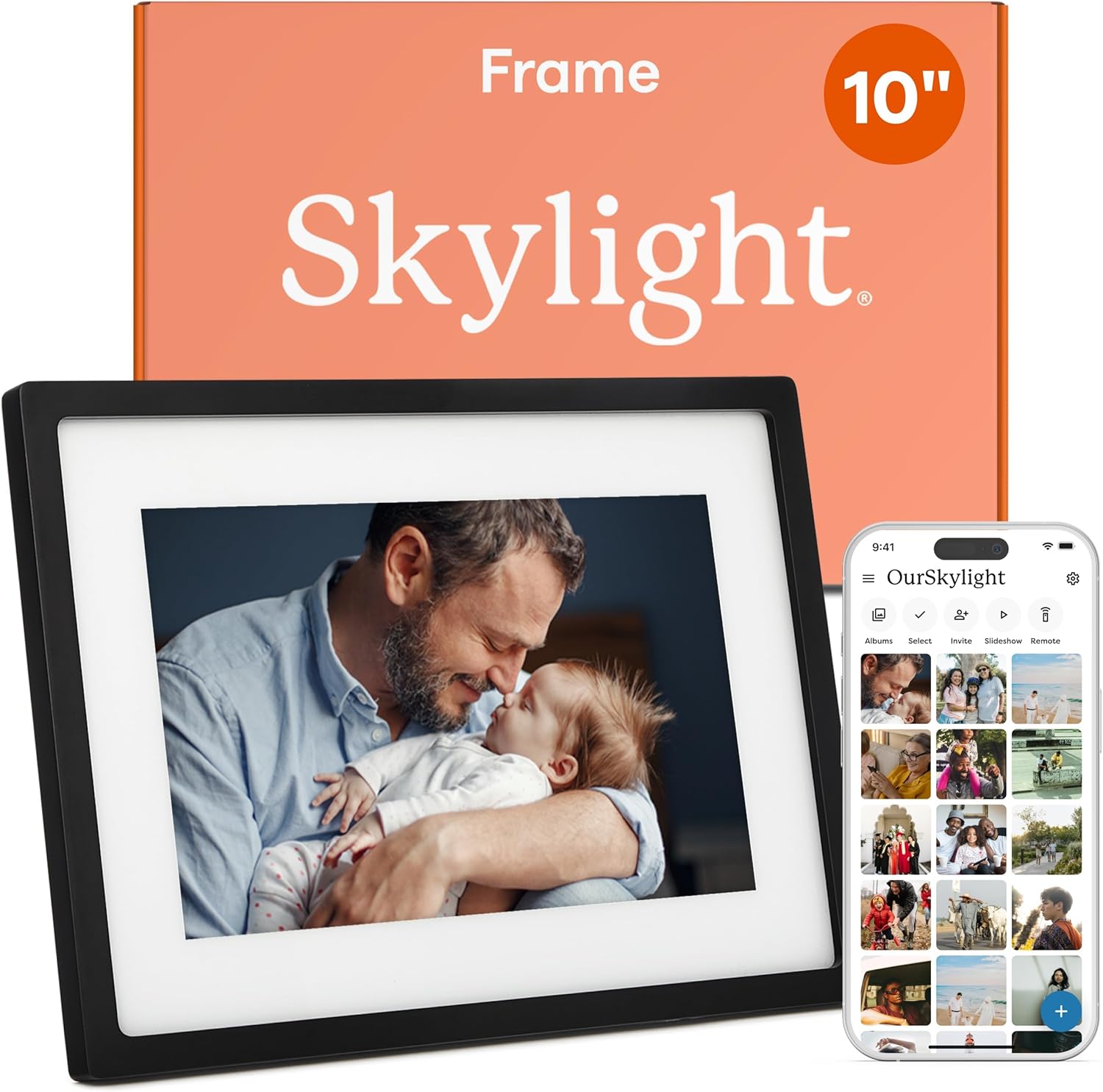
Best Skylight for email senders2 Skylight 10-inch Frame
Skylight 10-inch Frame
A 10-inch 1280x800 touch screen that takes photos sent to its own email address or through the Skylight app
  • 10-inch touch screen, 1280×800
  • Photos arrive by email or the Skylight app
  • Gift Mode to preload photos
See this frame

Aunt Sue emails, the grandkids tap: two ways to send

Skylight gives each frame a unique email address chosen at setup, so anyone who can attach a photo to an email can put it on the frame. Frameo asks each sender to install the free Frameo app once and type in a code from the frame, and after that sending takes a couple of taps.

That one difference settles many family decisions. An aunt who never installs apps is happiest with Skylight's email address. A household of smartphone users gets more from Frameo, where the owner can send a heart or a laugh straight back to whoever shared the picture.

  • Skylight suits senders who live in their inbox, older friends without smartphones and relatives who like sending from a computer by email.
  • Frameo suits senders with iPhone or Android phones, families with frames in several homes and owners who enjoy replying to each photo.
  • Both take photos from anywhere with internet, and neither asks the frame's owner to own a smartphone.

Privacy works differently as well. A Frameo frame only accepts photos from friends the owner has added with a code, and the owner can remove a friend on the frame itself. A Skylight address behaves like any email address, so it is best shared only within the family.

One app, many frames is Frameo's other trick: a grandchild paired with both grandmothers' frames sends one photo to both at once, whichever makers built them. The pairing steps are in adding photos to a Frameo frame.

The frames in figures

Skylight and Frameo, feature by feature

Frameo framesSkylight 10-inch
How photos arriveFrameo app, after a friend codeIts own email address or the Skylight app
Built-in memory16GB, 32GB or 64GB8GB, with cloud-based storage
Card slotmicro SD or SD on most modelsNone; cloud storage replaces SD cards
Screen8 to 32 inches, 1280x800 to 1920x108010-inch touch screen, 1280x800
When Wi-Fi dropsStored photos keep playingOffline mode shows existing photos
Before giftingPair your own phone and preloadGift Mode preloads without unboxing
WeightVaries with size680 g
Paid extrasFrameo+, optionalSkylight Plus, optional

Skylight details for its 10-inch frame; Frameo details from the frame makers' specifications.

No monthly bill for Nana: Frameo+ and Skylight Plus stay optional

Neither frame locks everyday use behind a subscription. The Skylight 10-inch is sold with no subscription needed, and the Frameo app is free on every Frameo frame, whichever maker built it.

Both companies offer an optional paid tier on top. Frameo+ adds larger batches of photos per send, longer videos and cloud backup. Skylight Plus adds extra features in the Skylight app.

  • Frameo, free: unlimited invited senders, up to 10 photos and 15-second clips per send, albums, reactions, sleep hours, and calendar and weather on many models.
  • Frameo+ on top: bigger batches, longer clips and cloud backup, never required.
  • Skylight, free: email and app sending, cloud-based storage, Gift Mode and offline viewing.
  • Skylight Plus on top: extra app features.

Over the years of a gift, the running cost is nothing on either side unless someone opts in. The larger gap is the frame itself: a 10.1-inch Frameo frame usually costs about half as much as the Skylight 10-inch, and the bands by size are in Frameo frame prices.

A free backup: a Frameo frame can back itself up to a micro SD card at no cost, so keeping the album safe does not require a paid plan. Card sizes and the backup steps are in micro SD cards for Frameo frames.

For a grandparent on a fixed income, that matters. A frame that asks for nothing each month is a gift that never turns into a bill.

The family picture

Memory inside the frame

Built-in storage as each maker states it. Skylight pairs its 8GB with cloud storage; Frameo frames keep every photo on the frame.

The kitchen counter or the living-room wall: screen sizes on each side

Skylight's 10-inch frame has a 1280x800 touch screen and weighs 680 g. Frameo frames at 10.1 inches use the same 1280x800 resolution, so on a side table the two look much alike.

Frameo's advantage is range. Families can go down to the Arktronic 8-inch for a nightstand, or up to 15.6, 21.5 and 32-inch Full HD frames for a wall seen from the sofa.

Spot in the homeFrameo frame to start withSkylight 10-inch
NightstandArktronic 8-inchFits, a little larger
Side tableMaxAngel or Akimart 10.1-inchFits
Kitchen counterForc 3-in-1 with calendar and mirrorFits
Sideboard or small wallBIGASUO 15.6-inchSmall for the distance
Living-room wallBIGASUO 21.5 or 32-inchToo small
  • Auto-rotate on most Frameo frames turns upright photos the right way when the frame stands on end.
  • Finishes run from black and white to wood, mirror glass and acrylic.
  • Wall mounting is listed for the MaxAngel, Moonka and YunQiDeer 10.1-inch frames and for BIGASUO's 15.6-inch.

A room across which people talk and eat needs a picture they can see from the table. That is where the BIGASUO 15.6-inch earns its place, with more than twice the picture area of a 10-inch frame. Every size is compared in Frameo frame sizes.

A lovely choice

Photos and the family calendar on one Frameo screen

Forc 3-in-1 Frameo Calendar Mirror
Best for a family calendar on the kitchen counter Forc 3-in-1 Frameo Calendar Mirror

A 10.1-inch Frameo frame that syncs Google, iCloud, Outlook and Yahoo calendars and becomes a mirror when the screen is off. Photos and appointments share one screen, and the family sends with the free Frameo app.

See this frame

When the router blinks off at Grandma's house

Both frames keep showing the photos they already hold when the Wi-Fi drops. Skylight calls it offline mode and needs Wi-Fi again only to receive new pictures; a Frameo frame plays everything in its memory and collects new photos once the connection returns.

Storage is where they part. Skylight keeps 8GB on the frame and leans on cloud storage, with no need for SD cards. Frameo frames hold 16GB to 64GB inside and most add a card slot, so a relative can load a batch of old photos with no internet at all.

  1. No broadband in the house: choose a Frameo frame that takes cards or a computer, such as the Pastigio 10.1-inch, and refill it on visits.
  2. Patchy Wi-Fi: either frame works, and photos already delivered stay on screen.
  3. Steady Wi-Fi and email-only senders: Skylight's way of working fits best.

Most Frameo frames join 2.4GHz Wi-Fi only, while the BIGASUO 21.5 and 32-inch, the Akimart 15.6 and 21.5-inch and some other large frames also join 5GHz. A frame that will not connect is usually looking for the wrong band, and Frameo Wi-Fi fixes go through it step by step.

Offline never means unplugged, on either side. Both run from a mains adapter, so the spot needs a socket the cable can reach.

Frame beside frame

Skylight beside four Frameo favourites

MaxAngel 10.1-inch Frameo Frame MaxAngel 10.1-inch Frameo Frame Skylight 10-inch Frame Skylight 10-inch Frame Akimart 10.1-inch Frameo Frame Akimart 10.1-inch Frameo Frame Pastigio 10.1-inch Frameo Frame Pastigio 10.1-inch Frameo Frame BIGASUO 15.6-inch Frameo Frame BIGASUO 15.6-inch Frameo Frame
Screen10.1"10"10.1"10.1"15.6"
Resolution1280×8001280×8001280×8001280×8001920×1080
Storage32GB—32GB32GB64GB
Wi-FiWi-FiWi-FiWi-FiWi-FiWi-Fi
Auto-rotateYes—Yes—Yes
See this frame See this frame See this frame See this frame See this frame
Frame details

Frame by frame, every detail

MaxAngel 10.1-inch Frameo Frame
Model
M-102K (Classic Black)
Screen
10.1-inch IPS touch screen
Resolution
1280x800
Aspect ratio
16:10
Built-in storage
32GB
Card slot (Classic Black)
microSD, up to 32GB, FAT32
Card slot (other finishes)
SD card and USB flash drive, up to 32GB, FAT32
Photo app
Frameo for iOS and Android
Connection
Wi-Fi
Video from the app
Clips up to 15 seconds
Longer video
From a memory card
Orientation
Auto-rotate, upright or sideways
Everything about it →See this frame

Wrapping it for Mother's Day: Gift Mode or a preloaded Frameo

Skylight's Gift Mode lets the giver preload and personalise the frame without unboxing it, so the first photos are waiting when it is switched on. A Frameo frame can be preloaded too, by pairing the giver's phone or importing a card of photos, and then handed over ready to go.

  1. Unbox the Frameo frame at home, connect it to your Wi-Fi and pair your phone with the code on the screen.
  2. Send a first batch of favourites, or import a card of older photos.
  3. Add the family as friends so they can send from the first day.
  4. Set sleep hours that suit the owner's routine.
  5. On the day, switch the frame to their Wi-Fi; the photos stay where they are.

Skylight's route suits a gift posted straight to another city, since nothing needs unwrapping. The Frameo route takes half an hour and leaves the frame fully set up, with the senders already paired, and setting up a Frameo frame walks through each screen.

  • Choose Skylight when most senders will use email and the frame ships direct.
  • Choose Frameo when the senders use phones, the owner will swipe and react, or the frame should be bigger than 10 inches.
  • Choose a Frameo frame with a card slot when the home has no internet.

Whichever frame goes in the box, add a note with the frame's name and how to send photos. Cousins and old friends join in far sooner when the instructions arrive with the gift.

Family questions

What families ask us

Skylight vs Frameo digital frame: which is easier for grandparents?

For the person looking at the frame, both are simple touch screens. Skylight is easier for senders who only use email; Frameo is easier for families with smartphones.

Can you email photos to a Frameo frame?

No. Frameo frames receive photos from the Frameo app, or from a card, a USB drive or a computer on models that support it.

Do Skylight and Frameo need a subscription?

No. Both work without one. Frameo+ and Skylight Plus are optional paid extras.

Can an SD card go into the Skylight frame?

No. It keeps 8GB on the frame with cloud-based storage. Most Frameo frames have a micro SD or SD slot.

Can a Frameo frame be preloaded like Skylight's Gift Mode?

Yes, by pairing your own phone and sending photos before wrapping it, or by importing them from a card. It has to be unboxed and switched on to do that.

More help

More Frameo help

More frames

Frameo frames for every kind of sender

Frames with other apps

Frames that use a different app

These frames do not run Frameo: Aura, Skylight and the AiMOR and VPhoto apps each have their own way of sending photos. Worth a look if the family already uses one of them.