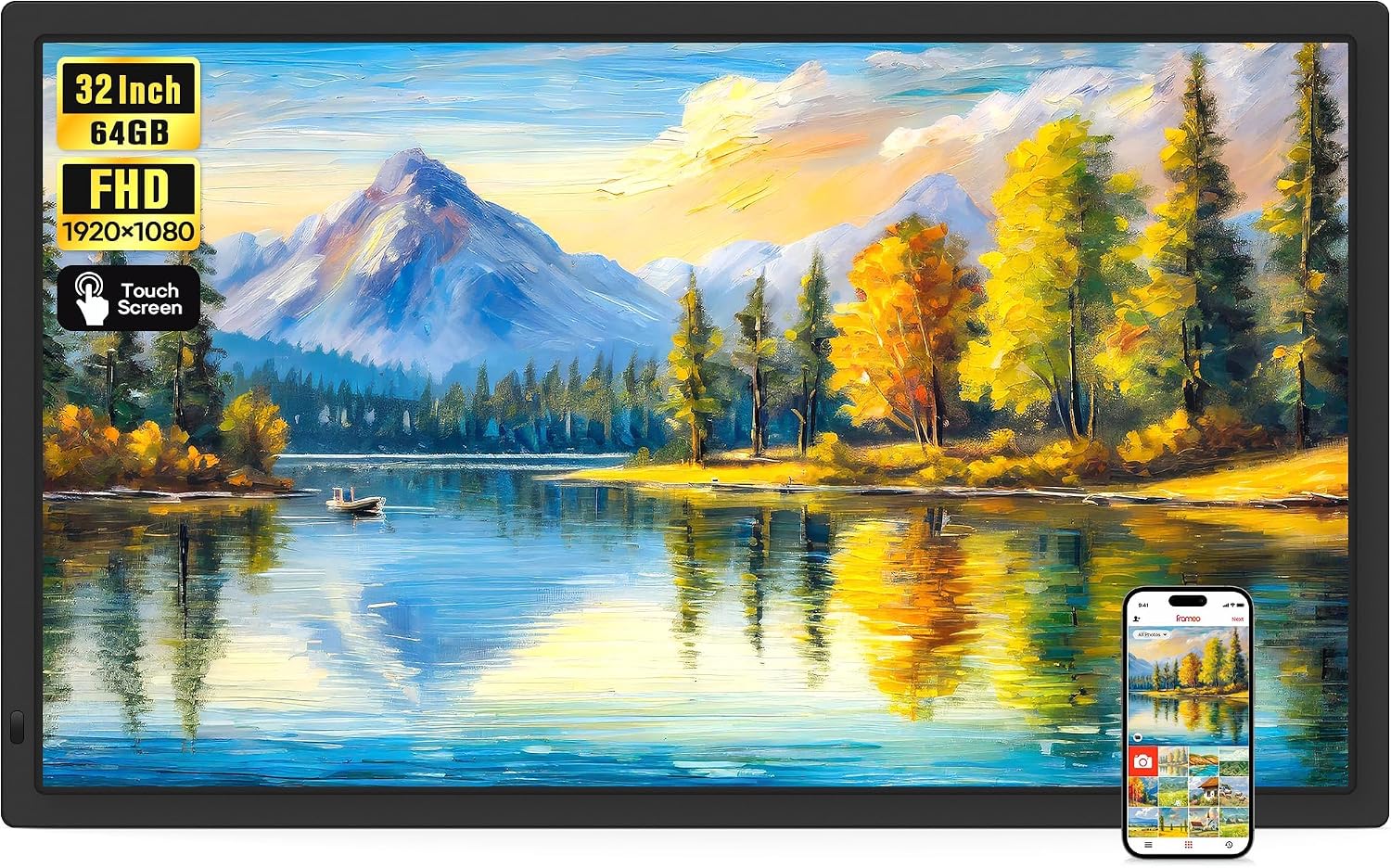
- 21.5" touch screen · 64GB
- Photos arrive from the Frameo app
- 1920×1080 IPS display
Most Frameo frames join only 2.4GHz networks, and most connection trouble starts there. The fixes run from the band and the password to the router's own settings, and none of them needs a technician.
Family picks refreshed September 2026Most Frameo frames join only 2.4GHz Wi-Fi; a handful of larger models, mostly 21.5 and 32 inches, also handle 5GHz. Restart the router and the frame, pick the 2.4GHz network by name and type the password slowly. When the app says the frame is offline, the photos are not lost: they wait and arrive once the frame is back online.
Most Frameo frames have a Wi-Fi radio that works only on the 2.4GHz band. BIGASUO, FLYRUIT, Moonka, ThankVip, AMABOO and ybest all state it outright, and a frame will not even list a network it cannot hear.
Modern routers broadcast two bands, often under one shared name. The phone joins the fast 5GHz side without anyone noticing, while the frame needs the 2.4GHz side. If that radio is switched off, or the router keeps nudging devices towards 5GHz, the frame fails to join or drops off soon after.
A few larger frames avoid the question entirely. The 21.5-inch BIGASUO and Moonka, the 32-inch BIGASUO and the 15.6-inch Akimart and Arktronic join both bands, which suits a home whose router is set to 5GHz and staying that way.
| Router setting | What the frame needs | What to change |
|---|---|---|
| Wi-Fi band | 2.4GHz on most frames; 2.4 or 5GHz on dual-band models | Switch on the 2.4GHz radio, or give it its own network name |
| One name for both bands (band steering, mesh) | A 2.4GHz signal it can hold on to | Split the names during setup, or use the mesh app's compatibility option |
| Security type | WPA2 is the safe choice | Use WPA2 or WPA2/WPA3 mixed mode if the frame cannot join WPA3 |
| Hidden network name | The name typed in by hand | Add the network manually from the frame's Wi-Fi screen |
| Sign-in or terms page (hotels, care homes, guest Wi-Fi) | A network with no sign-in page | Use a private network or a phone hotspot |
| Device filter or parental controls | Permission to reach the internet | Add the frame to the allowed devices |
Menu names vary by router maker. Band support comes from each frame maker's own specification.
A frame that worked for months and suddenly shows offline often has a simple story behind it: a new router, a new password, or a provider that reset the old box. The frame keeps trying the network it knows and waits for someone to point it at the new one.
Passwords cause more failed attempts than anything else. The frame's on-screen keyboard is small, and router passwords are long strings of look-alike characters.
When the family knows a router change is coming, a son or daughter can write the new network name and password on a card and tape it to the back of the frame, so the next visitor can reconnect it in a minute.
BIGASUO 21.5-inch Frameo Frame |
Moonka 21.5-inch Frameo Frame |
Akimart 15.6-inch Frameo Frame |
Arktronic 15.6-inch Frameo Frame |
MaxAngel 10.1-inch Frameo Frame |
BIGASUO 15.6-inch Frameo Frame | |
| Screen | 21.5" | 21.5" | 15.6" | 15.6" | 10.1" | 15.6" |
| Resolution | 1920×1080 | 1920×1080 | 1920×1080 | 1920×1080 | 1280×800 | 1920×1080 |
| Storage | 64GB | 32GB | 32GB | 32GB | 32GB | 64GB |
| Wi-Fi | Dual-band Wi-Fi | Dual-band Wi-Fi | Dual-band Wi-Fi | Dual-band Wi-Fi | Wi-Fi | Wi-Fi |
| Auto-rotate | Yes | Yes | Yes | — | Yes | Yes |
| See this frame | See this frame | See this frame | See this frame | See this frame | See this frame |
Sometimes the frame shows full Wi-Fi bars and still complains that it is not connected to the Frameo servers. That message means the frame has reached the router but not the internet beyond it, so photos cannot come through.
The app shows the other side of the same problem, marking the frame as offline. Nothing sent in the meantime is lost: photos wait and arrive once the frame is back online, so no one needs to send them twice.
If the frame joined the network through a mesh or extender, try it next to the main router once. A frame that connects there but not in its usual spot is short of signal rather than blocked. For a frame that freezes or sits on its loading screen as well, the frozen-frame fixes cover the next steps, from a restart to a factory reset.
When the router drops out, the family can still fill this frame from a micro SD card, a USB-C drive or a Windows laptop over a USB-C cable. Everything already stored keeps playing on its 10.1-inch touch screen until the connection returns.
See this frameWhen a Frameo frame keeps disconnecting from Wi-Fi, it is usually hanging on to the edge of the signal. The 2.4GHz band carries further than 5GHz, but brick, stone, mirrors and kitchen appliances all eat into it.
Try the frame for a day in the room next to the router. If it stays online there, the router is fine and the distance is the issue.
The cures are simple. Move the frame a room closer, raise the router from the floor and take it out of a cupboard, or add a mesh point or plug-in extender halfway between them. Switching the router's 2.4GHz band onto channel 1, 6 or 11, whichever is quietest, helps in crowded buildings.
Where the router sits far from the chosen shelf, a dual-band frame does not help much, because 5GHz covers less distance than 2.4GHz. Moving the frame or adding an extender does more.
Many grandparents live where the Wi-Fi belongs to someone else: a care home, a retirement flat or a relative's spare room. Those networks bring their own problems for a Frameo frame.
Guest and hotel networks usually open a sign-in page, asking for a room number or a tick against the terms. A phone shows that page in its browser. A Frameo frame has no browser, so it joins the network and then never gets past the sign-in, which looks exactly like the servers message.
A frame that never gets online is still a good frame. Everything on its storage plays in a loop, and settings such as sleep hours and brightness work offline. It simply misses the instant arrival of a photo from the grandchild's phone.
For families choosing a frame for a home with an unusual network, the answer lies in the details before buying. A dual-band model suits a 5GHz-only router; a frame with a card slot and computer transfer suits a home with none. The Pastigio 10.1-inch frame covers both routes, and adding photos by card or cable explains the offline side.
Most Frameo frames only join 2.4GHz networks, so a router offering only 5GHz, or one name for both bands, can hide the right signal. Restart both, choose the 2.4GHz network and retype the password.
The frame has lost its internet connection, or it is unplugged. Photos sent meanwhile wait and arrive once it reconnects.
The frame is on Wi-Fi but cannot reach the internet. Restart the router, check parental controls and make sure the frame's date and time zone are right.
Distance, thick walls and a busy 2.4GHz band are the usual causes. Move the frame closer, add an extender, and keep the microwave well clear of it.
Yes. Stored photos keep playing, and many frames take new ones from a micro SD card, a USB drive or a computer cable.