Best frames

What Is a Frameo Frame? The Free App, Offline Use and Frameo+

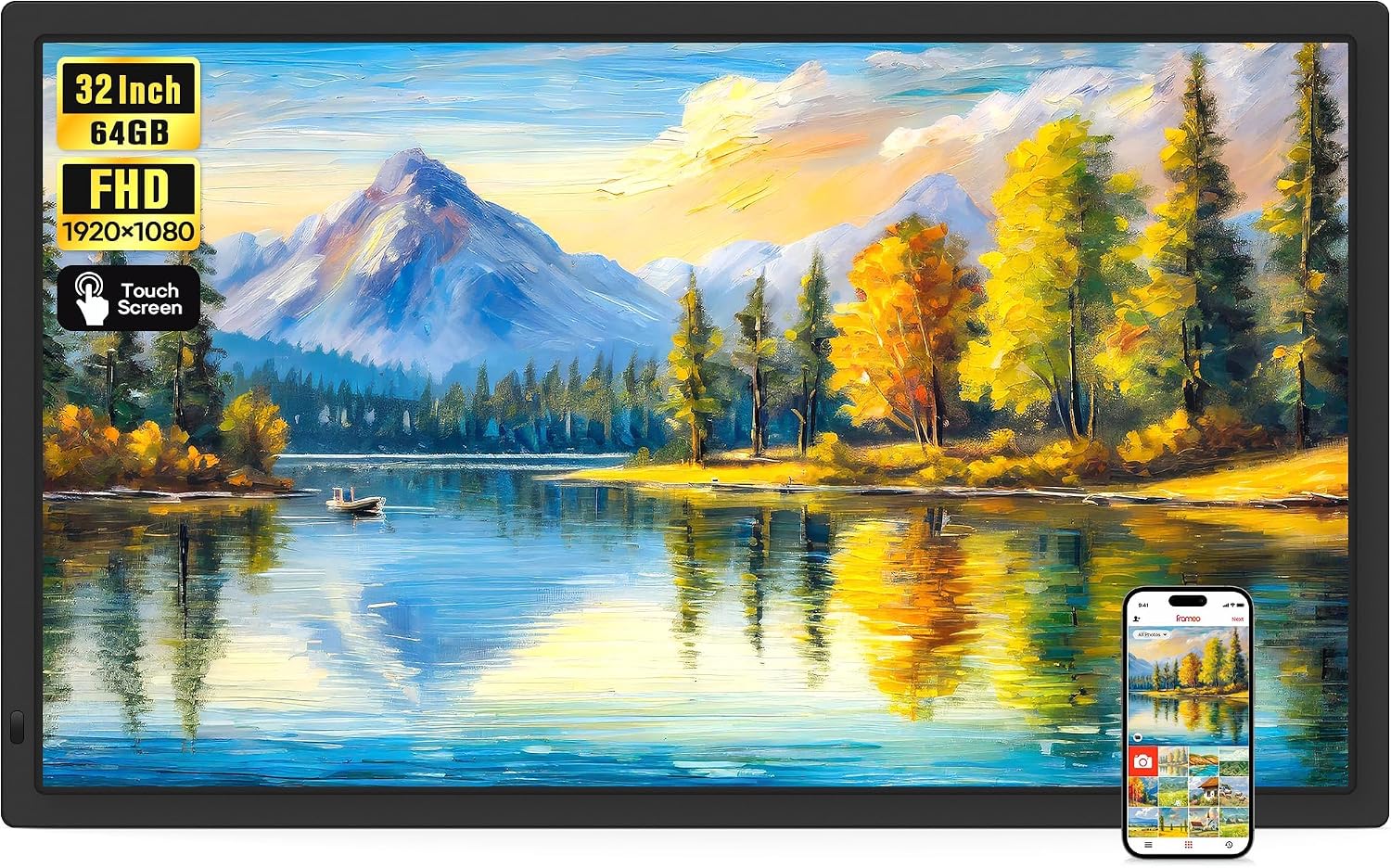
A Frameo frame is a Wi-Fi photo frame running the free Frameo app, built by many different makers. The family sends pictures from their phones, and the frame keeps them, shows them and goes on showing them when the internet drops.

Family picks refreshed September 2026
Quick answer

Frameo is photo-sharing software from Denmark that runs inside Wi-Fi frames from makers such as MaxAngel, Akimart, Pastigio and BIGASUO. Senders use the free Frameo app on iPhone or Android, and photos are stored on the frame, so they keep playing offline. No subscription is required; Frameo+ is an optional paid tier.

  • Free app, with no limit on invited senders
  • Photos and 15-second videos from the app; longer videos from a card
  • Stored photos play without Wi-Fi
  • Frameo+ adds bigger batches, longer videos and cloud backup
The frame most families start with1 MaxAngel 10.1-inch Frameo Frame
MaxAngel 10.1-inch Frameo Frame
A 10.1-inch touch screen, 32GB, auto-rotate and calendar sync, running the free Frameo app
  • 10.1" touch screen · 32GB
  • Photos arrive from the Frameo app
  • 1280×800 IPS display
See this frame
The longest-proven Frameo frame2 Akimart 10.1-inch Frameo Frame
Akimart 10.1-inch Frameo Frame
A 10.1-inch 1280x800 frame with 32GB, emoji reactions, collage mode and albums made on the frame
  • 10.1" touch screen · 32GB
  • Photos arrive from the Frameo app
  • 1280×800 IPS display
See this frame
Best for a home without internet3 Pastigio 10.1-inch Frameo Frame
Pastigio 10.1-inch Frameo Frame
Fills from the app, a micro SD card, a USB-C drive or a Windows computer
  • 10.1" touch screen · 32GB
  • Photos arrive from the Frameo app
  • 1280×800 IPS display
See this frame

Frameo is the app inside the frame, not the company that built it

Frameo is photo-sharing software, developed in Denmark and licensed to frame makers around the world. MaxAngel, Akimart, Pastigio, BIGASUO, Arktronic and dozens more build the hardware, and every one of their frames runs the same Frameo system and pairs with the same free Frameo app.

That is why the name appears on so many different boxes. A Frameo frame can be an 8-inch nightstand frame, a wooden 10.1-inch or a 32-inch wall screen, and the menus, the sharing and the settings look alike on all of them.

  • The frame: a Wi-Fi touch screen with built-in memory, 16GB to 64GB, that the owner swipes and taps.
  • The app: the free Frameo app for iPhone and Android, used by the people who send photos.
  • The link between them: a friend code or QR code from the frame, entered once in the app.

One practical upshot for families: a grandchild who already sends to one Frameo frame can add a second from a different maker in the same app. A single photo can then go to one frame or to several at once.

Look for the Frameo name. Some frames that look much the same use other apps, such as AiMOR or VPhoto, and will not pair with Frameo. The alternatives are compared in Frameo vs Aura.

Because the software comes from one place, updates reach every Frameo frame over Wi-Fi, whichever maker built it. BIGASUO notes that new functions keep arriving this way, so a frame bought today gains features over the years.

The frames in figures

What a Frameo frame does with and without Wi-Fi

TaskWith Wi-FiWithout Wi-Fi
Show stored photos and videosYesYes
Receive new photos from the appYesNo; they arrive once it reconnects
Import from a micro SD card or USB driveYes, on models with the slotYes, on models with the slot
Load photos from a computer by USB-CPastigio, FLYRUIT, Glusine and similarSame models
Weather and calendar syncYes, on models that show themNo
BackupTo a micro SD card, or the cloud with Frameo+To a micro SD card
Software updates from FrameoYesNo

Offline behaviour as Frameo frame makers describe it; card, USB and computer options depend on the model.

A photo from the park lands on Nana's frame in seconds

The owner of the frame adds each sender once, and the sender does everything else from their phone. The frame shows a code, the sender types it into the Frameo app, and from then on photos go straight to that frame.

  1. On the frame, tap to add a friend; a code and a QR code appear.
  2. In the Frameo app, add a frame and enter the code or scan it.
  3. Pick up to 10 photos, add a caption if you like, and send.
  4. On the frame, the photos join the slideshow, and the owner can reply with a heart, a laugh, surprise or sadness.

Only people added with a code can send, so nothing arrives from strangers. Photos go to the frame, not onto a public feed, and the owner can remove a friend in the frame's settings at any time.

The app sends short videos too, clips of up to 15 seconds. Longer videos can be copied onto the frame from a micro SD card or USB drive, and they play with sound on frames that have a speaker.

  • Photos: JPG, PNG and BMP.
  • Videos: MP4, 15 seconds from the free app, longer from a card or with Frameo+.
  • Music: Frameo offers no background soundtrack for the slideshow; sound comes with the videos themselves.

Inviting the whole family, and sending from a computer, is covered in adding photos to a Frameo frame.

Frame beside frame

Five Frameo frames, one shared app

MaxAngel 10.1-inch Frameo Frame MaxAngel 10.1-inch Frameo Frame Akimart 10.1-inch Frameo Frame Akimart 10.1-inch Frameo Frame Pastigio 10.1-inch Frameo Frame Pastigio 10.1-inch Frameo Frame BIGASUO 15.6-inch Frameo Frame BIGASUO 15.6-inch Frameo Frame Arktronic 8-inch Frameo Frame Arktronic 8-inch Frameo Frame
Screen10.1"10.1"10.1"15.6"8"
Resolution1280×8001280×8001280×8001920×10801280×800
Storage32GB32GB32GB64GB16GB
Wi-FiWi-FiWi-FiWi-FiWi-FiWi-Fi
Auto-rotateYesYes—Yes—
See this frame See this frame See this frame See this frame See this frame
Frame details

Frame by frame, every detail

MaxAngel 10.1-inch Frameo Frame
Model
M-102K (Classic Black)
Screen
10.1-inch IPS touch screen
Resolution
1280x800
Aspect ratio
16:10
Built-in storage
32GB
Card slot (Classic Black)
microSD, up to 32GB, FAT32
Card slot (other finishes)
SD card and USB flash drive, up to 32GB, FAT32
Photo app
Frameo for iOS and Android
Connection
Wi-Fi
Video from the app
Clips up to 15 seconds
Longer video
From a memory card
Orientation
Auto-rotate, upright or sideways
Everything about it →See this frame
Akimart 10.1-inch Frameo Frame
Model
ZN-DP1002
Screen
10.1-inch IPS LCD touch screen
Resolution
1280x800
Built-in storage
32GB
Memory card
microSD, import and export
Photo formats
JPG, JPEG, BMP, PNG
Video
MP4; clips up to 15 seconds from the app
Photo app
Frameo for iOS and Android
Connection
Wi-Fi
Orientation
Auto-rotate, upright or sideways
Stand
Detachable holder
Calendar sync
iCloud, Google, Outlook, Yahoo
Everything about it →See this frame
Pastigio 10.1-inch Frameo Frame
Model
ZC002
Screen
10.1-inch HD touch screen
Resolution
1280x800
Aspect ratio
16:10
Built-in storage
32GB
Photo app
Frameo for iOS and Android, over Wi-Fi
Memory card
microSD (TF), FAT32
USB drive
USB-C flash drive, FAT32
Computer transfer
Windows PC via USB-C cable
Card, drive and data cable
Not included
Stand
Magnetic support stand, upright or sideways
Mounting
Wall-mountable
Everything about it →See this frame

When the Wi-Fi goes down, the slideshow carries on

A Frameo frame keeps every photo in its own memory rather than streaming pictures from the internet. When the router drops out, the slideshow continues with everything already received, and new photos arrive once the connection is back.

Several makers go further and sell their frames for homes without any Wi-Fi. Pastigio, FLYRUIT, Glusine and SZSLG describe loading photos from a card, a USB drive or a computer over USB-C, without touching the app.

Frameo digital frame offline capability, task by task

  • Stored photos: play without internet on every Frameo frame.
  • New photos from the app: need Wi-Fi, usually 2.4GHz; some large frames also join 5GHz.
  • Card and USB imports: work offline on models with a slot.
  • Weather, calendar sync and updates: wait for the internet.

A frame that lives offline for good still needs someone to refresh it. A relative who brings a micro SD card of new photos on each visit keeps the slideshow lively, and micro SD cards for Frameo frames covers the size and the FAT32 format.

Offline does not mean unplugged. Frameo frames have no battery and run from their mains adapter, so the chosen spot needs a socket nearby.

A frame that shows offline in a home that does have Wi-Fi is a different matter, usually the wrong band or a router setting. The fixes are in Frameo frame not connecting to Wi-Fi.

A lovely choice

A Frameo frame that needs no router

Pastigio 10.1-inch Frameo Frame
Best for grandparents with no broadband Pastigio 10.1-inch Frameo Frame

A relative can refill it from a micro SD card, a USB-C drive or a Windows computer on each visit, and it still takes app photos whenever Wi-Fi is around. 32GB inside holds years of pictures.

See this frame

The free Frameo app, and what Frameo+ adds on top

Nothing about a Frameo frame requires a subscription. The app costs nothing on iPhone or Android, the frame's features are free, and makers such as Pastigio and FLYRUIT point out there is no limit on how many invited family members can send.

Frameo+ is an optional paid membership from Frameo. It adds larger batches of photos per send, longer video uploads and cloud storage for backups, and Apveelveer sums up the free version as covering most families' needs.

FeatureFree FrameoWith Frameo+
Photos and videos from the appUp to 10 photos per send, 15-second clipsLarger batches, longer clips
Invited sendersNo limitNo limit
Albums, collage, captions, reactionsYesYes
Backup to a micro SD cardYesYes
Cloud backupNoYes
  • Worth a thought when the frame holds years of photos and nobody will look after card backups.
  • Not needed when the family sends a handful of photos a week and a card backup sits in the slot.
  • Never needed for the frame to receive, show or store photos.

That keeps the cost of a Frameo frame to the price of the frame itself. The bands by size are in Frameo frame prices, and frames with their own paid clouds are compared in Frameo vs Skylight.

The family picture

One app across five screen sizes

Frameo frame families counted by screen size, September 2026. All of them pair with the same free app.

Albums, collages and a sleep timer: daily life with the frame

Once the photos are flowing, the touch screen becomes a small family album the owner can browse without help. Most useful settings sit a tap or two from the slideshow, and the same menus appear whichever maker built the frame.

  • Albums: sort photos by event, date or person on the frame itself.
  • Collage mode: show up to 6 photos at once.
  • Hide: keep a picture out of the slideshow without deleting it.
  • Clock, weather and captions: switch each one on or off.
  • Sleep mode: the screen turns off overnight and back on in the morning.
  • Calendar: Akimart and YunQiDeer frames sync iCloud, Google, Outlook or Yahoo calendars, and MaxAngel and Arktronic show a synced calendar too.

Auto-rotate is the other everyday comfort. Stand most Frameo frames on end and upright photos of the grandchildren fill the screen; lay the frame flat again and holiday landscapes use the full width.

Greetings add a personal touch on the big days. On many frames, a sender can pick a themed birthday or holiday greeting that appears with the photo, and the owner answers with a reaction.

Tidying up is just as simple, shown step by step in deleting pictures from a Frameo frame. A screen that goes dark each evening is usually the sleep timer at work, as Frameo frame not turning on explains, and the first-day settings are in setting up a Frameo frame.

Family questions

What families ask us

Is the Frameo digital photo frame app free or paid?

Yes. The Frameo app and the frame's features are free, with no subscription. Frameo+ is an optional paid tier.

Is a Frameo digital photo frame subscription required for cloud backup?

Only for cloud backup, which is part of Frameo+. Backups to a micro SD card are free, and the frame receives, stores and shows photos with no plan at all.

Does a Frameo frame work without Wi-Fi?

Stored photos keep playing without Wi-Fi, and many models import from a micro SD card, a USB drive or a computer. New photos from the app need Wi-Fi.

Can you send videos to Frameo frame owners, or only photos?

Yes, clips of up to 15 seconds from the free app. Longer videos can be copied in from a card or USB drive, or sent with Frameo+.

Can you add music to Frameo frame slideshows?

There is no background-music option for the slideshow. Videos play with their own sound on frames with a speaker.

Who makes Frameo frames?

Many makers, including MaxAngel, Akimart, Pastigio, BIGASUO and Arktronic. Frameo supplies the software they all run.

More help

More Frameo help

More frames

Frameo frames in every shape