- 10.1" touch screen · 32GB
- Photos arrive from the Frameo app
- 1280×800 IPS display
The wrong photo on Grandma's frame comes off in a few taps. Clearing a whole batch, hiding a picture for later and knowing what a sender can do from a phone take a moment longer.
Family picks refreshed September 2026To remove one photo, tap it to bring up the menu and choose the delete option. To clear many, open Settings, then Manage photos, then Delete photos, tick the ones to go and confirm. Deleting a picture from a phone's camera roll does not touch the frame, because the frame keeps its own copy.
A photo sent to the wrong frame, a blurry duplicate or a picture someone would rather forget can come off a Frameo frame in a few taps. The person standing at the frame does it, from the touch screen, with nothing to install.
Videos come off the same way. Dromart and YENOCK both describe browsing photos, deleting videos or pausing the slideshow with a quick tap of the finger, and that is the whole routine.
The frame asks for confirmation because there is no bin to fish a deleted photo out of. Once it is gone, it is gone from the frame, and only a backup or the sender's own phone still holds a copy.
For a grandparent who finds the menu fiddly, a relative on the phone can talk them through the four steps. The words to listen for are pause, menu and delete, in that order.
| Action | Where on the frame | What happens |
|---|---|---|
| Delete one photo | Tap the photo, open the menu, choose delete | Gone from the slideshow and the frame's storage |
| Delete many photos | Settings, Manage photos, Delete photos | Every ticked photo removed in one go |
| Hide a photo | The photo's menu, or Settings, Manage photos | Stays stored, leaves the slideshow |
| Show a hidden photo | Settings, Manage photos, hidden photos | Back in the slideshow |
| Remove a friend | Settings, My friends | No new photos from that person |
| Reset the frame | The reset option in the frame's settings | Every photo, friend and setting erased |
Menu names follow current Frameo software and can differ slightly between versions. Deleting from a phone's gallery changes nothing on the frame.
Keen senders fill a frame fast, and the slideshow can end up with twenty near-identical photos of one sandcastle. Deleting them one at a time works but tests anyone's patience, so every Frameo frame has a batch option in its settings.
Frames with albums make this tidier. MaxAngel, Akimart and Apveelveer let the owner sort photos into custom albums such as Vacation or Family and choose which album plays, so a trip can be kept in its own album rather than swamping the everyday slideshow.
Before a big clear-out, copy the album somewhere safe. Frames with a card slot or USB port, such as the BIGASUO 15.6-inch, can export photos to a card or drive in a few steps.
MaxAngel 10.1-inch Frameo Frame |
Akimart 10.1-inch Frameo Frame |
BIGASUO 15.6-inch Frameo Frame |
BIGASUO 21.5-inch Frameo Frame |
Ciowain 10.1-inch Frameo Frame | |
| Screen | 10.1" | 10.1" | 15.6" | 21.5" | 10.1" |
| Resolution | 1280×800 | 1280×800 | 1920×1080 | 1920×1080 | 1280×800 |
| Storage | 32GB | 32GB | 64GB | 64GB | 16GB |
| Wi-Fi | Wi-Fi | Wi-Fi | Wi-Fi | Dual-band Wi-Fi | Wi-Fi |
| Auto-rotate | Yes | Yes | Yes | Yes | Yes |
| See this frame | See this frame | See this frame | See this frame | See this frame |
Deleting is not always the kind choice. A photo of someone who has passed away may be too raw this month and precious next year; a wedding picture that includes a divorced in-law may still be the only one of the bride.
Hiding solves both. Akimart, BIGASUO, Moonka, ybest and Apveelveer all list hiding photos among their settings, and it works the same way on every Frameo frame.
To hide a single photo, pause on it and pick the hide option from the same menu that offers delete. To hide several, use the hide option in Manage photos and tick them, just as for deleting.
Hidden photos still count towards storage, so a frame that is nearly full gains nothing from hiding. For that, delete duplicates and keep the hidden photos that matter. The frame's albums offer a third route: a photo kept in an album that is not playing stays out of sight without being hidden.
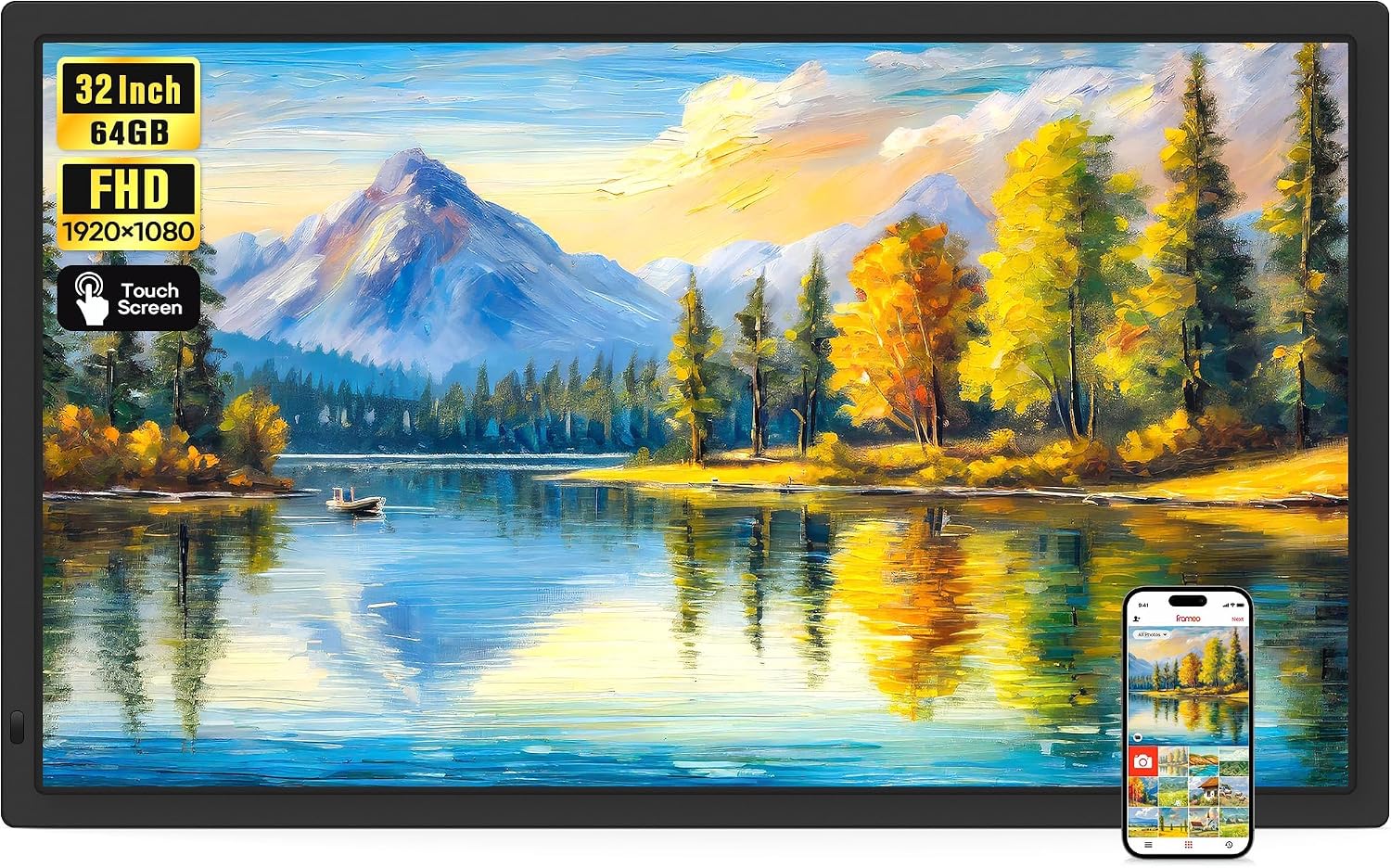
The 32-inch BIGASUO holds 64GB and exports photos to an SD card or USB drive, so a clear-out can start with a copy. Its Full HD touch screen runs the same Frameo delete and hide menus as the smaller frames.
See this frameMany relatives assume that deleting a photo on their phone removes it from the frame. It does not. The frame keeps its own copy the moment the photo arrives, and the camera roll and the frame are separate from then on.
What a sender can undo from the Frameo app depends on the app version. If no remove option appears beside a photo they sent, the dependable route is the person at the frame, who deletes it in a few taps.
Removing a friend stops future photos; it is not a way to clear old ones. After removing someone, look through the slideshow or the Manage photos grid for anything they sent that should also go.
This split is part of why families trust the frame. Nothing reaches it without an invitation made on the frame, as the friend code guide explains, and nothing leaves it without someone at the frame agreeing. A frame in a grandparent's home stays theirs.
For a photo that must go today and a grandparent who is not at home, a quick call to a neighbour or carer with the four delete steps does the job.
A Frameo frame holds its photos on built-in storage: 16GB on budget frames such as the Ciowain and TAPINSAW 10.1-inch, 32GB on most, and 64GB on BIGASUO and MaxAngel's larger frames. Deleting photos frees that room straight away.
Photos alone take a long time to fill a 32GB frame. Videos, and above all long clips copied from a card, fill it much faster, so they are the first place to look when space runs short.
Without one of those, a deleted photo cannot be recovered from the frame. Ask the sender to send it again if it matters. For choosing and formatting a backup card, see the micro SD card guide.
When a frame moves to a new home, a factory reset clears every photo, friend and setting in one step, and the new owner starts from the language screen. Back up anything worth keeping first. The reset option, and what else it fixes, is covered with the frozen-frame fixes.
A reset also cuts every old sender off, which is exactly right for a frame changing hands. The next grandchild's family makes fresh codes and starts their own album.
Tap the photo to pause it and bring up the menu, choose the delete option and confirm. It leaves the slideshow and the frame's storage straight away.
Open Settings, then Manage photos, then Delete photos. Tick the photos to go, or select all where offered, and confirm.
No. The frame keeps its own copy, so the photo stays until someone deletes it on the frame, or through the app if the installed version includes that option.
Only from a backup, such as a card backup or Frameo+ cloud backup. Without one, ask the sender to send it again.
A hidden photo stays on the frame but leaves the slideshow, and can be shown again later. A deleted photo is gone from the frame.