- 15.6" touch screen · 32GB
- Photos arrive from the Frameo app
- 1920×1080 IPS display
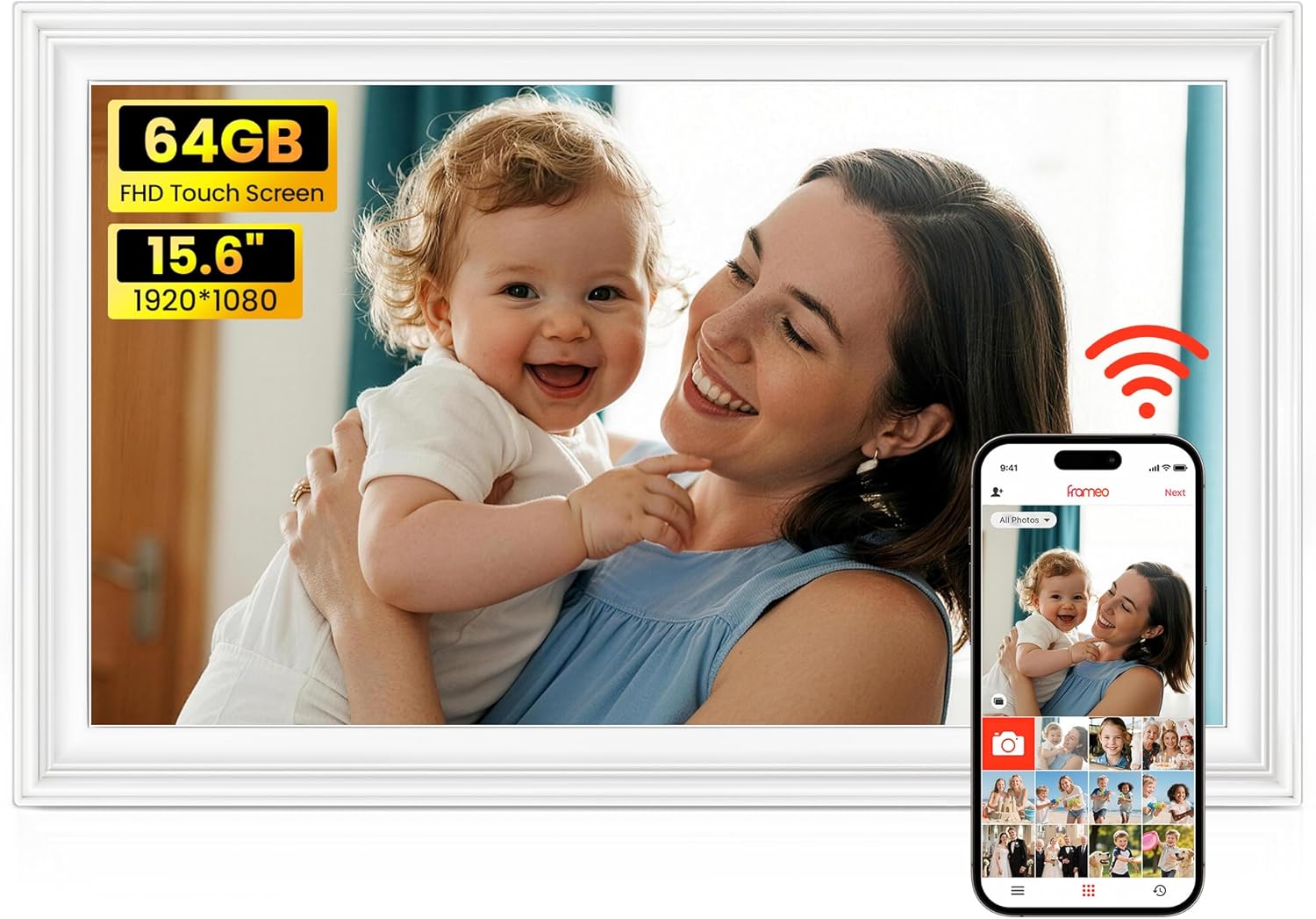
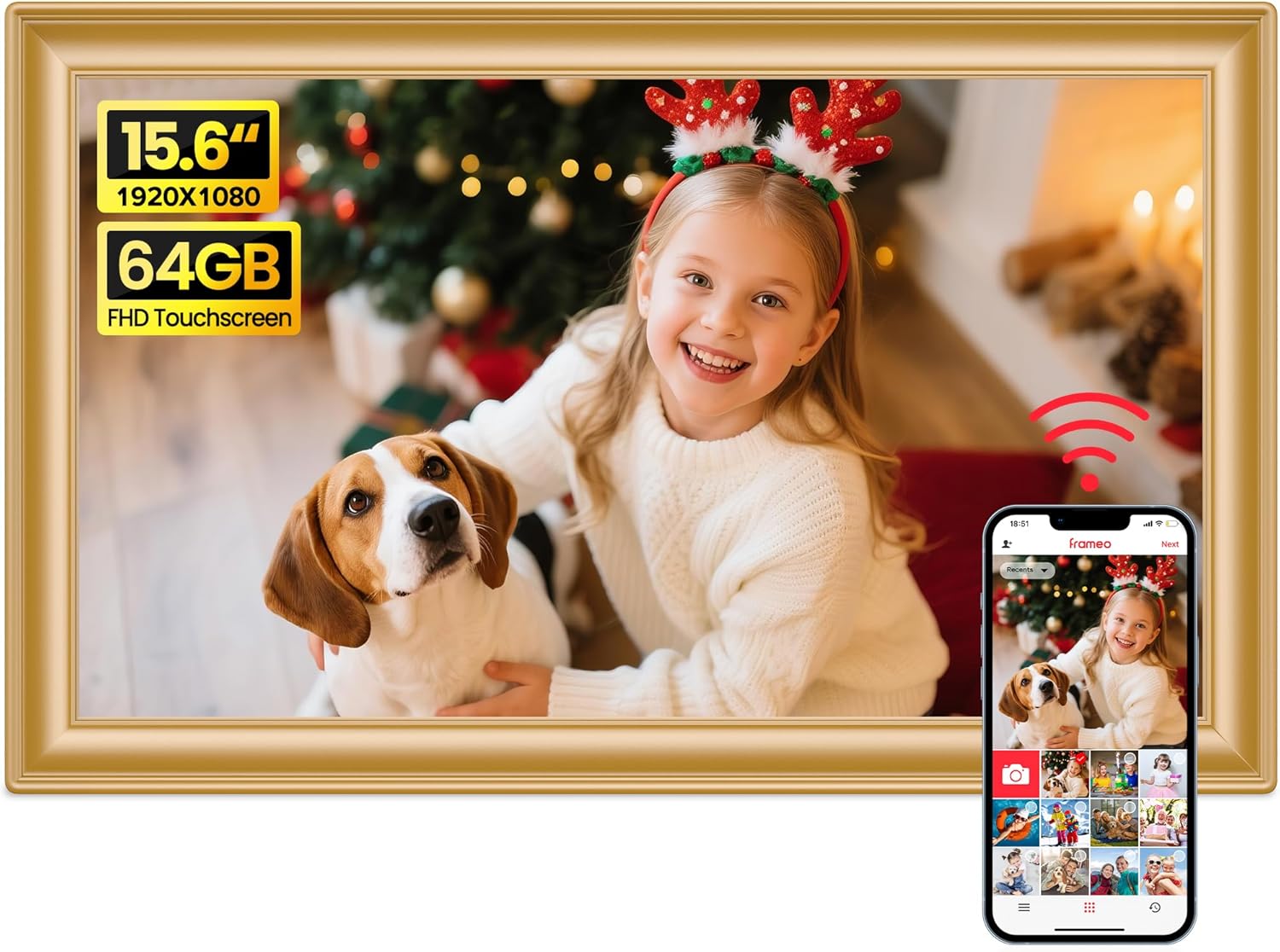
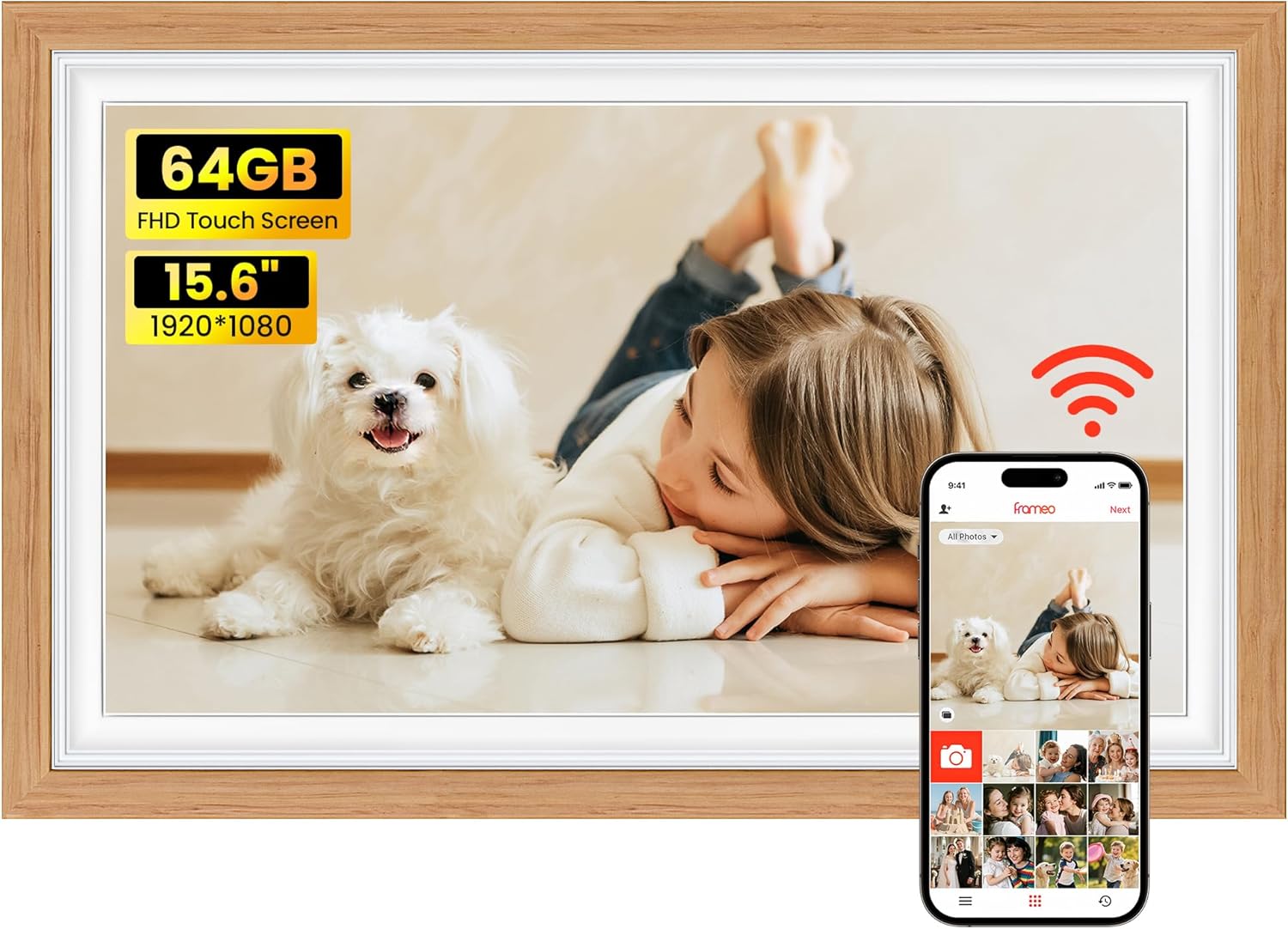
The big-screen Frameo frame families pick most often: a 15.6-inch Full HD touch screen, 64GB of memory, a built-in speaker for videos with sound and slots for an SD card and a USB flash drive.
Most Frameo frames play video, but many families only discover how much they use it once the screen is big enough to watch from the sofa. BIGASUO's 159K pairs a 15.6-inch Full HD screen with a built-in speaker, so a grandson's first words or a wedding toast plays with its sound in the middle of the living room.
Video reaches the frame in two ways, with different limits:
The screen shows MP4 video and JPG, JPEG, BMP and PNG photos. Full HD at this size keeps family faces sharp from a few steps back, and that clarity at a distance is the reason to pick 15.6 inches over a 10.1-inch frame.
Families use the sound in small, warm ways:
The Reply feature lets the person at the frame send an emoji back to whoever shared the photo. It is the simplest way for a grandparent to say thank you without picking up a phone.
| Spec | Value |
|---|---|
| Model | 159K |
| Screen | 15.6-inch IPS Full HD touch screen |
| Resolution | 1920x1080 |
| Aspect ratio | 16:9 |
| Viewing angle | 178° |
| Built-in storage | 64GB |
| Memory card | SD card, FAT32, 32GB recommended |
| USB port | USB flash drives only, FAT32 |
| Computer transfer | Not supported |
| Wi-Fi | 2.4GHz only |
| Photo app | Frameo for iOS and Android |
| Photo formats | JPG, JPEG, BMP, PNG |
| Video | MP4 with sound; 15-second clips from the app, no limit from SD or USB |
| Speaker | Built in |
| Orientation | Auto-rotate, desk stand or wall mount |
| Frame size | 15.43 x 9.61 in |
| Weight | 3.2 lb |
| Frame material | Plastic |
| Power | DC mains adapter |
| Warranty | Return within three months; one-year exchange for quality faults |
The 159K doubles the 32GB found in most Frameo frames. BIGASUO puts 64GB at about 100,000 photos, and although the real number depends on the camera that took them, it is enough to load a family's whole digital history and still have room for the years ahead.
Filling it is easiest in three steps:
The same slots work in reverse. Exporting the frame's photos to a card or stick gives the family a backup of everything relatives have sent over the years, which is worth doing once or twice a year.
BIGASUO is specific about what the frame reads:
Photos sent through the Frameo app arrive over Wi-Fi, and the frame only joins the 2.4GHz band. Most home routers broadcast one alongside 5GHz, though some newer routers merge both under a single name. The Wi-Fi help for Frameo frames explains how to separate them.
The memory card guide shows how to format a card as FAT32 and how to move an album between frames.
A 15.6-inch screen is roughly the size of a laptop display, and the whole frame measures about 15.43 by 9.61 inches. That is large enough to recognise faces from across a typical lounge, yet the 3.2 lb frame is light enough for a single picture hook or a sideboard.
The IPS panel keeps colours true up to a 178° viewing angle, so people sitting at the sofa's far end see the same picture as the person in front of it. The touch screen works the same way as a smaller frame: swipe to move on, tap to pause, open the menu for settings.
Where families tend to put the 159K:
Photos turn automatically when the frame is stood upright or sideways. A 16:9 screen suits group shots and scenery especially well, while upright portraits fill it best when the frame is turned on its end.
BIGASUO offers the same frame in black, white, golden, black and white, brown wood, natural wood, white wood and brown wood with white. Wood tones sit well in a traditional lounge, while black or white suits a modern one. The two-tone versions pair black or brown wood with white, a softer look for a bright room.
For how 15.6 inches compares with the 10.1, 21.5 and 32-inch frames, see Frameo frame sizes.
Pastigio's 15.6-inch frame is the nearest rival: the same Full HD screen size, a full-size SD card slot and USB drive, plus a Windows computer link that the BIGASUO lacks. The BIGASUO answers with twice the memory, 64GB against 32GB, and a speaker made for family video.
| Frame | Memory | Imports | Best for |
|---|---|---|---|
| BIGASUO 15.6-inch 159K | 64GB | SD card, USB flash drive | Big albums and video with sound |
| Pastigio 15.6-inch M15R5 | 32GB | SD card, USB drive, Windows PC | Families who load photos from a laptop |
| BIGASUO 21.5-inch | 64GB | SD card, USB drive | A large wall with dual-band Wi-Fi |
The 21.5-inch BIGASUO is worth a look if the router only broadcasts 5GHz, since it joins both bands. For most living rooms, 15.6 inches is plenty and far easier to place.
The choice between the two 15.6-inch frames usually settles itself once you ask where the family's old photos live. If they sit on a Windows laptop and someone wants to plug in a cable, Pastigio saves a step. If they are spread across phones, cards and sticks, and the family loves sending short videos, the BIGASUO's larger memory and speaker make it the warmer gift.
Four things to settle before the 159K leaves your house:
Yes. A built-in speaker plays the sound of MP4 videos, whether they come from the Frameo app or an SD card or USB drive.
No. The 159K joins 2.4GHz networks only. Most routers offer 2.4GHz alongside 5GHz.
BIGASUO recommends a 32GB SD card or USB flash drive formatted as FAT32. Larger 64GB and 128GB cards may not work properly.
No. Copy them to an SD card or USB flash drive on the computer, then import them on the frame.
About 15.43 by 9.61 inches, and it weighs 3.2 lb.