Best frames
21.5-inch Frameo frame · 64GB · model 215K

BIGASUO 21.5-inch Frameo Frame

A living-room-sized Frameo frame: a 21.5-inch Full HD touch screen, 64GB inside, Wi-Fi on either band and SD or USB slots for the family archive, in a black frame with a white mat.

  • Screen21.5-inch IPS touch, 1920x1080
  • Storage64GB built in
  • Wi-FiDual-band, 2.4GHz and 5GHz
  • SlotsSD card and USB flash drive
  • VideoPlays with sound
  • SizeAbout 22.3 x 14.1 in
Lovely for a home with
  • A living-room wall or sideboard seen from the sofa
  • A home whose router runs on 5GHz
  • Families with a big archive of photos and videos to keep on the frame
  • Longer home videos played from an SD card or USB stick
Think twice if
  • A bedside or a small desk: the frame is over 22 inches wide
  • Copying photos straight from a computer by cable: the USB port reads flash drives only
See this frame
Colours & options

Two 21.5-inch BIGASUO finishes

The whole family on the BIGASUO 21.5-inch from the sofa

A 21.5-inch screen changes what a Frameo frame is for. At this size, BIGASUO's frame stops being a keepsake on a side table and becomes the picture the living room gathers around, readable from the sofa across the room. The Full HD 1920x1080 IPS panel keeps faces crisp even when the frame is the largest thing on the wall.

The frame measures about 22.3 by 14.1 inches and weighs 3.9 pounds, so it needs a proper wall spot or a wide sideboard. In return, a Christmas group photo shows every cousin at a size an older eye can pick out without leaning in.

What BIGASUO builds into the 215K:

  • 64GB of memory, which BIGASUO rates at about 100,000 photos, twice the 32GB common on smaller frames.
  • Dual-band Wi-Fi that joins 2.4GHz or 5GHz networks.
  • SD card and USB flash drive slots for playing, importing, exporting and backing up photos and videos.
  • Video with sound, from 15-second app clips or full-length files on a card or stick.
  • A detachable stand and a wall screw, for a sideboard or a hanging spot.

BIGASUO states that it is officially licensed by Frameo, and the frame runs the same free app every other Frameo frame uses. Relatives who already send to a 10.1-inch frame at Grandma's can add this one in the same app.

Support that reaches the gift. BIGASUO covers the frame for one year and invites the person who received it as a present to contact them directly, not only the buyer.
Frame details

Screen, storage and size

SpecValue
Model215K
Screen21.5-inch IPS touch screen
Resolution1920x1080 Full HD
Aspect ratio16:9
Viewing angle178 degrees, maker's figure
Built-in storage64GB
Photo capacityAbout 100,000 photos, maker's figure
Card and driveSD card and USB flash drive, FAT32, 32GB recommended
Wi-FiDual-band, 2.4GHz and 5GHz
Photo appFrameo for iOS and Android
Video from the appClips up to 15 seconds
Video from card or driveNo length limit, plays with sound
File formatsJPG, JPEG, BMP, PNG photos; MP4 video
ExtrasAlbums, reactions, greetings, collage of 2 to 6 photos
OrientationAuto-rotate, upright or sideways
MountingDetachable stand, wall screw
FinishesBlack with white mat; black wood with white
Outer sizeAbout 22.28 x 14.09 in
Weight3.9 lb
Warranty1 year, support open to gift recipients

Wedding videos and old albums on 64GB with sound

The 64GB inside is the reason this frame suits a family with a long memory. Decades of scanned prints, every grandchild's birthday and a folder of wedding videos can live on it at once. The frame plays video with sound, so a first dance or a school song arrives with its music.

Video through the Frameo app stops at 15 seconds per clip. BIGASUO lifts that limit for files on an SD card or USB stick: insert the card, and the full-length video plays straight from it or can be copied into the frame's memory.

A sensible way to fill a big frame from an old archive:

  1. Format an SD card or USB stick as FAT32 on a computer.
  2. Copy a folder of photos and MP4 videos onto it, 32GB or less.
  3. Insert it and import the files into an album on the frame.
  4. Keep the card in a drawer as a backup of that album.

Photos can be JPG, JPEG, BMP or PNG. The frame's albums keep the imported archive apart from new phone photos, so the wedding album does not mix with last Tuesday's lunch.

  • Card size: BIGASUO recommends 32GB cards and drives, as 64GB and 128GB ones may not be read.
  • Computer transfer: the USB port reads flash drives only, so photos from a laptop go on through a stick or card.
  • Formats: MP4 for video, the common image types for photos.

The memory card guide covers formatting on Windows and Mac. For deleting a batch of photos to free space later, see removing pictures from a Frameo frame.

Among the frames

Where it sits by screen size

Frameo frame models by screen size, September 2026. Highlighted: BIGASUO 21.5-inch Frameo Frame.

Black with white mat or black wood: hanging the 215K

BIGASUO offers this frame in two looks. One pairs a black frame with a white mat; the other combines black wood-look trim with white. The screen, 64GB, dual-band Wi-Fi and slots are the same in both, so the room settles it.

At this size the surround is a large part of what people see on the wall, far more than on a 10.1-inch frame. A white mat makes the screen look like a framed photograph from a gallery, while the wood-look version blends into a room of oak shelves and family portraits.

FinishLookSuits
Black with white matA mounted print in a gallery frameModern living rooms, pale walls
Black wood with whiteWarmer, more traditionalRooms with wooden furniture and printed photos

The frame arrives with a detachable stand and a screw for hanging. Photos rotate automatically, so it can hang upright between two doors or sideways above a sofa.

Points to plan before drilling:

  • The socket. The frame runs on mains power, so hang it where the cable can drop to an outlet or be tidied behind a cabinet.
  • Height. Centre it at seated eye level if the family will watch videos from the sofa.
  • Glare. Avoid the wall opposite a bright window, which can wash out any screen.
  • Reach. Someone should still be able to tap the screen to react or pause.

Dual-band Wi-Fi helps a frame on a far wall. Where the 2.4GHz band is crowded, the frame can join 5GHz instead, and if it still struggles, the Wi-Fi fixes for Frameo frames cover signal and router settings.

Also lovely

Three frames worth a look

A brown wooden finish1 Moonka 21.5-inch Frameo Frame
Moonka 21.5-inch Frameo Frame
Moonka's 21.5-inch Frameo frame has Full HD, dual-band Wi-Fi, 32GB and SD and USB slots.
  • 21.5" touch screen · 32GB
  • Photos arrive from the Frameo app
  • 1920×1080 IPS display
See this frame
A calendar on the big screen2 Arktronic 21.5-inch Frameo Frame
Arktronic 21.5-inch Frameo Frame
Arktronic's 21.5-inch frame syncs a calendar and can show photos and plans together.
  • 21.5" touch screen · 32GB
  • Photos arrive from the Frameo app
  • 1920×1080 IPS display
See this frame
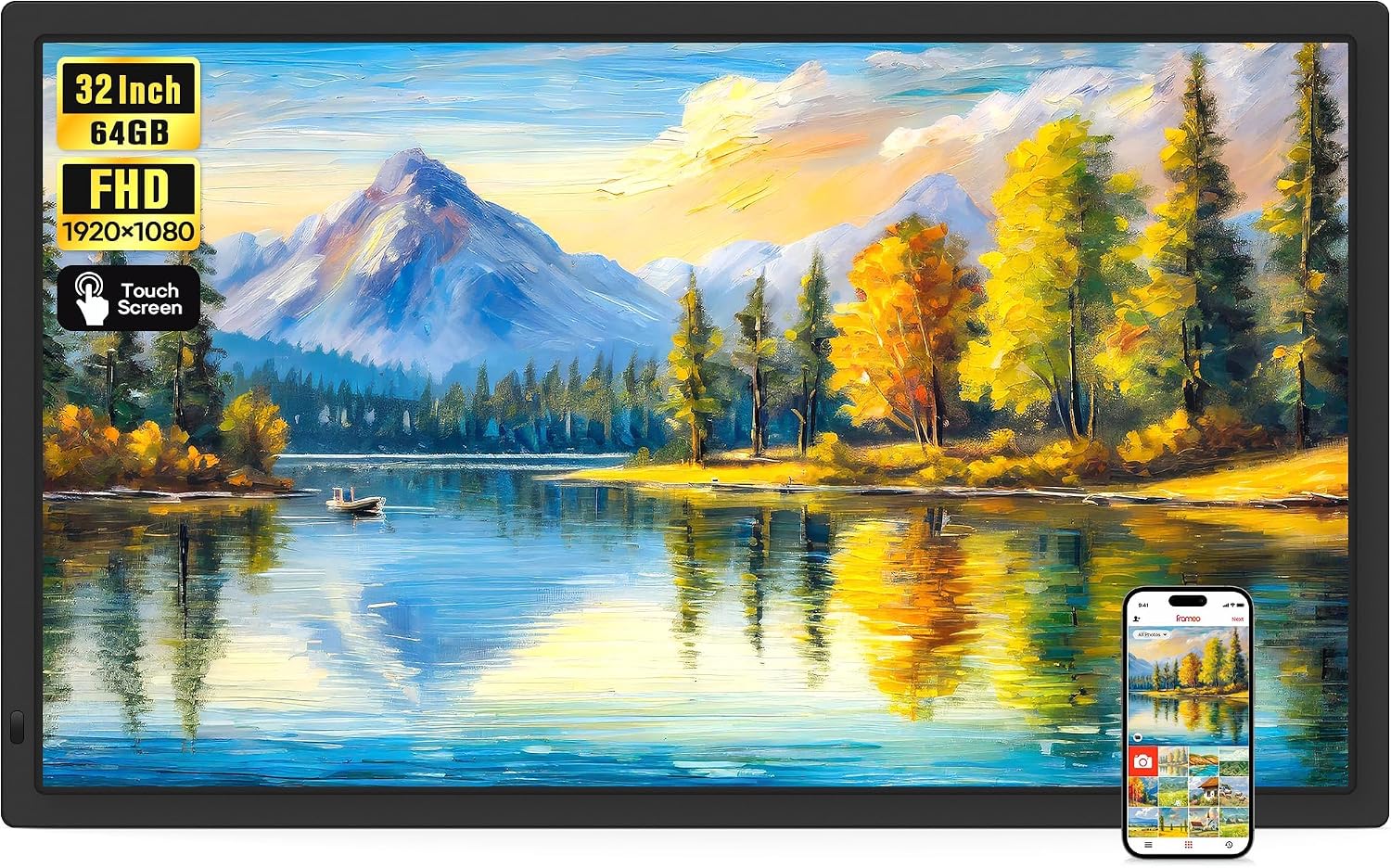
The biggest screen3 BIGASUO 32-inch Frameo Frame
BIGASUO 32-inch Frameo Frame
BIGASUO's 32-inch Frameo frame keeps the 64GB and dual-band Wi-Fi on a screen for the largest wall.
  • 32" touch screen · 64GB
  • Photos arrive from the Frameo app
  • 1920×1080 IPS display
See this frame

BIGASUO 215K beside Moonka, Akimart and the 32-inch

Among 21.5-inch Frameo frames, the BIGASUO stands out for its 64GB, which is double the 32GB that Moonka, Akimart and Arktronic build in at this size. Most of the 21.5-inch frames join both Wi-Fi bands, so that no longer sets one apart. The storage and the full-length video from cards are the reasons to choose this one.

How the neighbours differ:

  • Moonka 21.5-inch: 32GB, dual-band Wi-Fi, SD and USB, in a brown wooden finish.
  • Akimart 21.5-inch: 32GB, dual-band, a detachable stand and a VESA wall mount.
  • Arktronic 21.5-inch: 32GB, a synced calendar with a photo-and-plans view, microSD up to 64GB.
  • BIGASUO 32-inch: the same family of features and 64GB on a far bigger screen.

For a family that wants the most room for photos and video at this size, the 215K is the natural pick. A family that plans around a shared calendar may prefer the Arktronic.

The step down in size deserves a moment as well. A 15.6-inch frame from BIGASUO keeps 64GB and video with sound in a body that fits a kitchen counter, while the 32-inch model turns a whole wall into the family album. The 21.5-inch sits between them: big enough for the living room, small enough to hang without a second pair of hands.

Before ordering, work through five checks:

  1. Measure the wall: allow about 22.3 by 14.1 inches.
  2. Pick the finish that suits the room.
  3. Buy a 32GB card or stick if you plan to load an archive.
  4. Note the Wi-Fi details, either band.
  5. Invite the senders in the first week so the big screen fills fast.

For how 21.5 inches compares with 15.6 and 32, see Frameo frame sizes. Joining the Wi-Fi and naming the frame are explained in setting up a Frameo frame.

Family questions

Before you wrap it

Does the BIGASUO 21.5-inch frame work on 5GHz Wi-Fi?

Yes. It joins both 2.4GHz and 5GHz networks.

Can it play long videos?

Yes, from an SD card or USB stick, with no length limit and with sound. Clips sent through the Frameo app stop at 15 seconds.

What size memory card should I use?

BIGASUO recommends a 32GB SD card or USB drive formatted as FAT32. Larger cards may not be read.

Can I copy photos from my computer by cable?

No. The USB port reads flash drives only. Copy photos to a stick or SD card on the computer first.

How big is the frame?

About 22.28 by 14.09 inches, and it weighs 3.9 pounds.