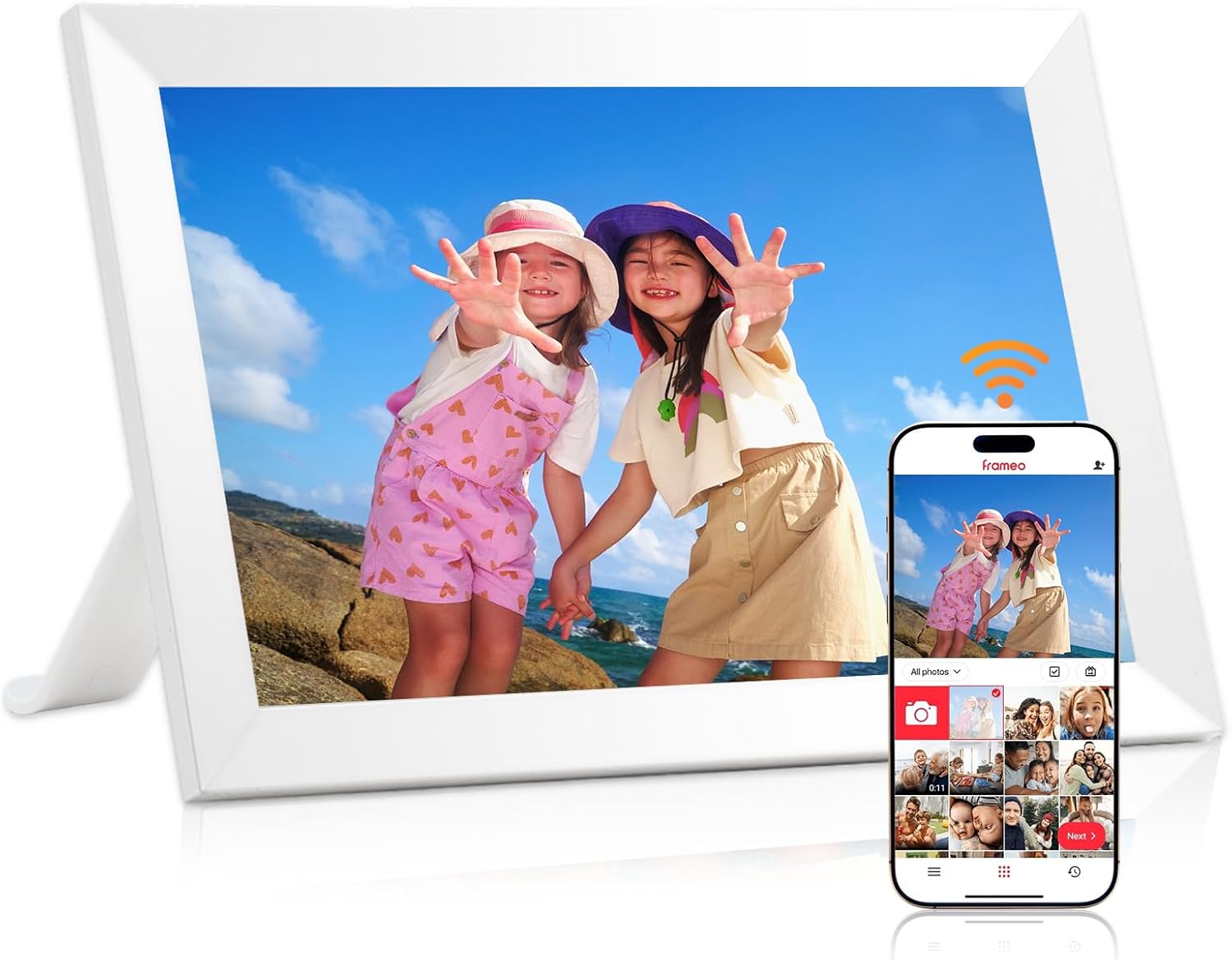
- 10.1" touch screen · 32GB
- Photos arrive from the Frameo app
- 1280×800 IPS display
A 10.1-inch Frameo frame built around one handy detail: a magnetic stand that lets Grandma turn the frame upright for a portrait or sideways for a group photo without fiddling with a bracket. Inside are 32GB and a 1280x800 IPS touch screen.
Most Frameo frames rotate their photos automatically, but the frame itself still has to be turned, and that is where small stands can be awkward. LeaMea fits a magnetic support stand to the back of its 10.1-inch frame. The stand holds by magnet, so switching between upright and sideways takes a moment rather than a struggle with a bracket.
For a grandparent, that turns a two-handed job into a quick one. When a daughter sends a run of tall phone photos of the new baby, the frame goes upright; when the Christmas group shot arrives, it goes back sideways. The photos rotate on screen to match.
What else comes with the LeaMea frame:
LeaMea calls it plug-and-play, and in practice setup is the standard Frameo routine: choose a language, join the Wi-Fi, name the frame and share the code with the family. It takes a few minutes, and the Frameo setup guide walks through each screen.
| Spec | Value |
|---|---|
| Screen | 10.1-inch IPS touch screen |
| Resolution | 1280x800 |
| Aspect ratio | 16:10 |
| Built-in storage | 32GB |
| Photo app | Frameo for iOS and Android |
| Connection | Wi-Fi |
| Stand | Magnetic support stand |
| Orientation | Auto-rotate, upright or sideways |
| Mounting | Stand or wall mount |
| Settings | Play order, zoom, hide or show photos, brightness, sleep mode |
| Finishes | Black or white |
| Frame material | Plastic |
| Outer size | 10 x 8 in |
| Power | AC adapter |
| Maker | Shenzhen SSA Electronic |
| Warranty | 1-year replacement for quality faults, lifetime technical support |
Once it is set up, the LeaMea frame runs itself. Photos sent from the Frameo app arrive within moments and join the slideshow, and the owner only touches the screen when they want to. Nothing needs charging, since the frame runs on its AC adapter.
A typical day with the frame on a kitchen table:
The settings LeaMea highlights are the ones people use most: play order, image zoom, hiding or showing a photo, brightness and the sleep mode. They sit a tap or two from the slideshow, with nothing hidden in a hard-to-find menu.
Every photo arrives through the Frameo app, and only people who have been given the frame's code can send. That keeps the frame private, and it means a family organiser should invite the regular senders early. The steps are in sending photos from a phone.
Two things to plan for:
If the frame ever stops receiving, the Frameo troubleshooting page covers the common causes.
LeaMea makes the frame in two colours with identical insides: 32GB, the same screen, the magnetic stand and wall mounting. The choice is only about the room, which makes it an easy decision once you picture where it will sit.
| Colour | Looks best | Think about |
|---|---|---|
| Black | Studies, TV units, dark wood shelves | Dust shows more readily on a dark edge |
| White | White kitchens, bedrooms, pale hallways | Blends in, so the photos take centre stage |
A white frame on a white wall almost disappears, leaving the photo to float. A black frame gives a bolder border, closer to a traditional printed photo in a dark frame.
Think about the furniture too. On a pale oak dresser the white LeaMea sits quietly, while the black one draws the eye to the screen; on a dark walnut desk the reverse is true. If the frame will move between rooms on its magnetic stand, pick the colour of the room where it will spend the evenings, since that is when the family gathers to look.
Where each placement works well:
Buying two, one of each colour for two sets of grandparents, is a common move. A single Frameo app can send the same photo to both frames at once, so neither side of the family misses the new pictures.
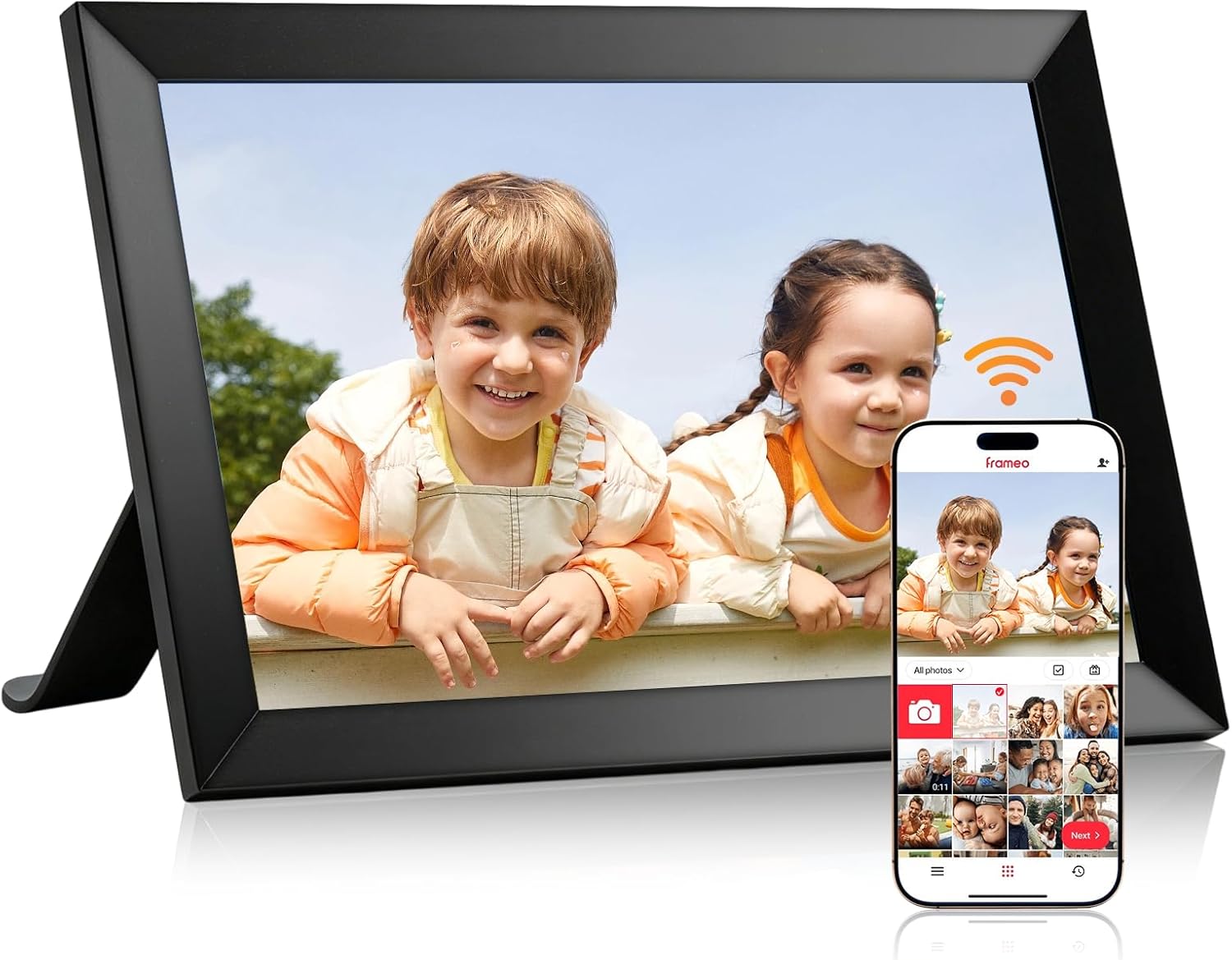
LeaMea's frame shares its core with the most popular 10.1-inch Frameo frames: a 1280x800 screen, 32GB and the free app. The magnetic stand and the one-year replacement promise are what set it apart. It does not add a calendar, collages or an extra finish range.
How it compares with the closest rivals:
LeaMea's after-sales promise is plain: a replacement for any quality issue within a year and technical support for life. For a present sent to another town, a simple replacement is easier than a repair.
Where the LeaMea wins is in the hands of the person using it. A grandparent who likes to rearrange the shelf, or who wants the frame upright one week for a run of baby portraits and sideways the next for holiday pictures, will use the magnetic stand far more than a calendar. Where it loses is on extras: a family that wants birthdays and appointments on screen should look at MaxAngel or YunQiDeer instead.
Five things to settle first:
Storage, finishes and stands across this size are compared in the 10.1-inch Frameo frame roundup. The Dromart frame is the closest match in size and memory.
It lets you switch the frame between upright and sideways quickly. Photos rotate on screen to match.
No. It is a 1280x800 IPS panel, the usual resolution for a 10.1-inch frame.
Yes. It can stand on its magnetic stand or be wall mounted.
A replacement for any quality issue within one year, plus lifetime technical support.
No. Both have 32GB, the same screen and the magnetic stand.